Ask AI, an MCP server, and Markdown for the docs
 Sean DubbFounder, Easel.sh
You can ask questions about Easel in the docs without leaving the page, point your coding agent at the docs over MCP, and read any page as Markdown.
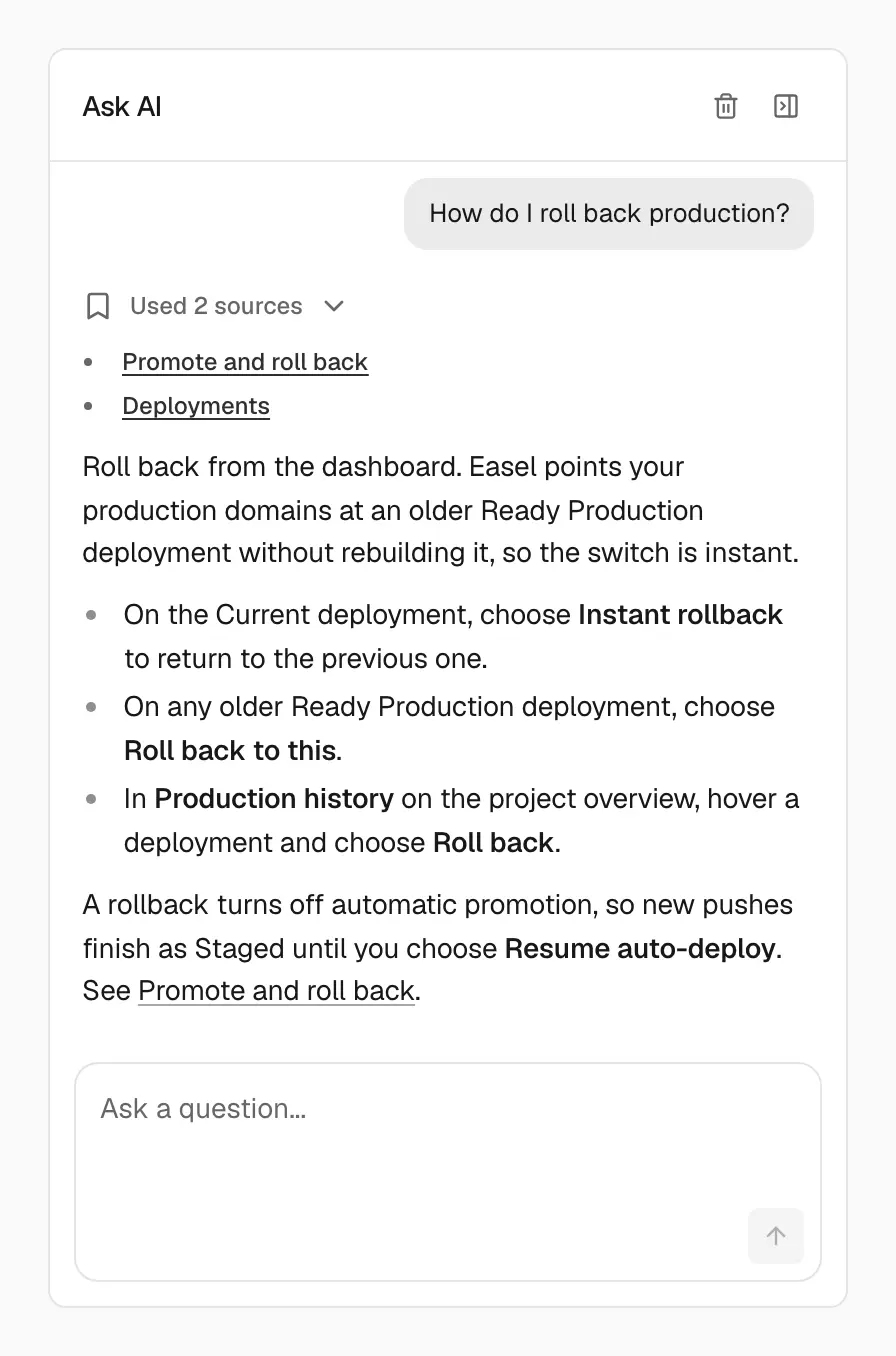
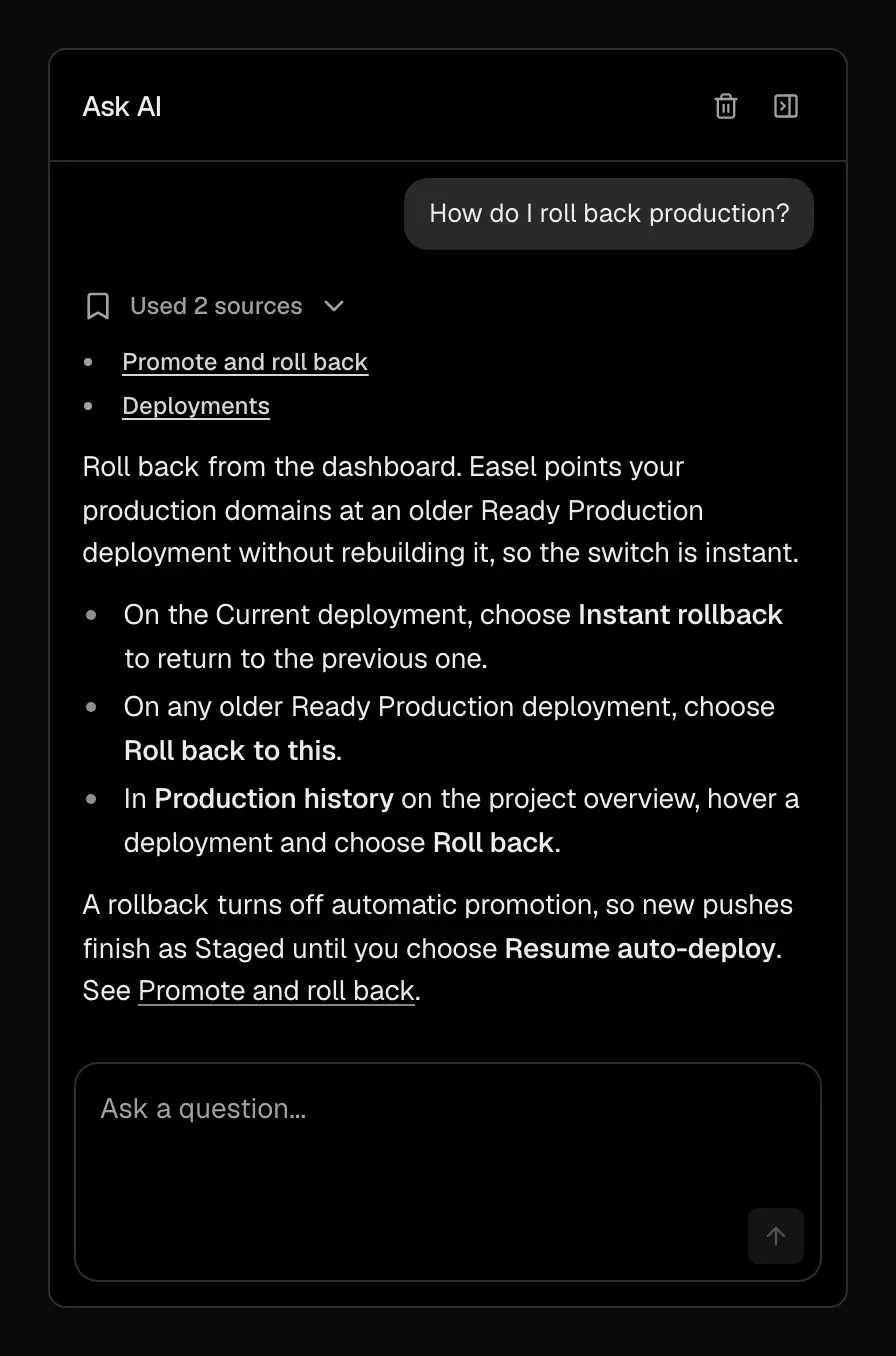
Ask AI answers from the docs and shows which pages it used
Ask AI
Ask AI opens a chat sidebar whose answers are grounded in Easel’s documentation. Open it from:
- Ask AI: the button in the bottom corner of every docs page, or press
⌘I(Ctrl+Ion Windows and Linux) - Ask AI about this page: next to the table of contents on desktop or in the page header on mobile, scoped to the page you’re reading
- Search…: type a question and choose Ask AI at the top of the results
The sidebar stays open as you move between pages. On mobile it opens as a full-screen sheet.
Docs MCP server
Agents can search and read the docs through the MCP server at https://easel.sh/api/mcp. Add it to your client’s MCP config:
It provides three tools: search_docs, get_page, and list_pages.
Markdown for agents
- Per page: append
.mdto any docs URL, or sendAccept: text/markdownto the same URL - Index:
/llms.txtlists every page - Full corpus:
/llms-full.txtreturns all docs as one Markdown file
Copy as Markdown on each page copies its source for pasting into a chat.
See For AI agents on the docs home.