Function CPU sizing
 Sean DubbFounder, Easel.sh
You can pick function CPU tiers per project. Memory and billing follow the size you choose, so you trade cost for headroom on CPU-heavy work.
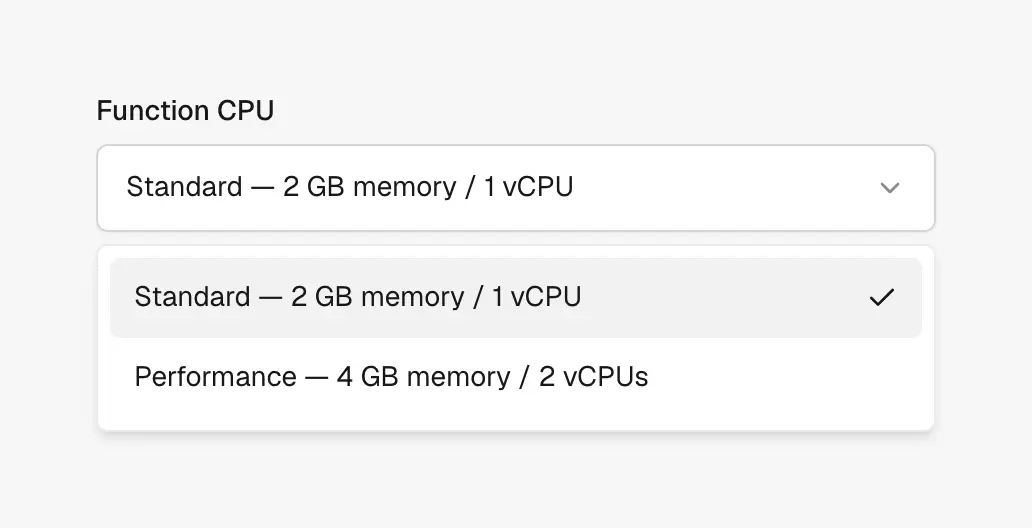
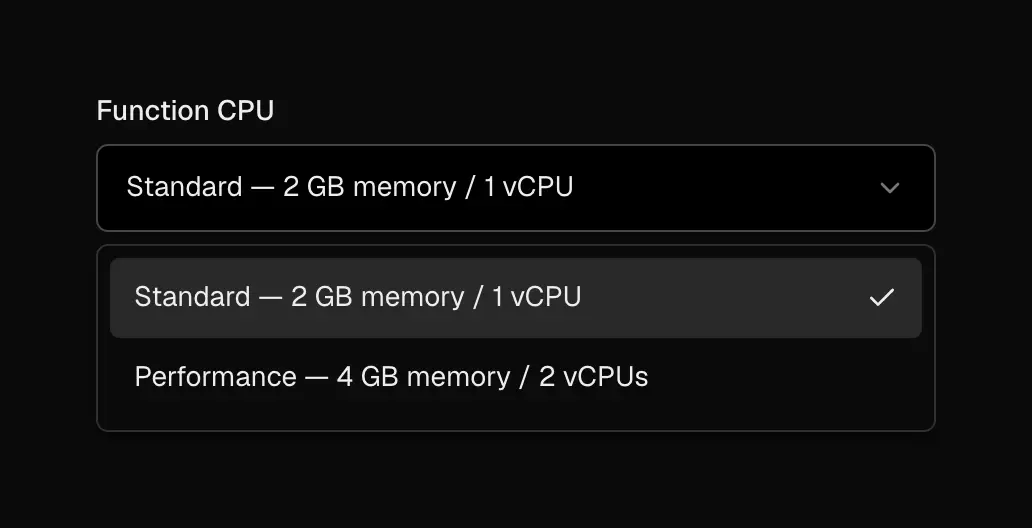
Pick Standard or Performance CPU for serverless functions
Choosing a size
Open project settings for functions and select a CPU tier. Larger tiers raise CPU and memory together; smaller tiers cost less when your handlers stay light.
New deploys pick up the selected size. Watch duration and cold start charts in Observability after you change tiers so you confirm the tradeoff.
When to size up
Bump CPU when profiles show compute-bound handlers, large JSON transforms, or image work inside the function. Stay on a smaller tier when most time is waiting on databases or third-party APIs.
Plan entitlements may limit which tiers you can select. If a size is locked, check your workspace plan before changing settings.