Redesigned onboarding and new project flow
 Sean DubbFounder, Easel.sh
Onboarding is redesigned around your first live deployment. Each step has its own URL, so a refresh or a return visit picks up where you left off, and setup is done once your workspace has a live deploy.
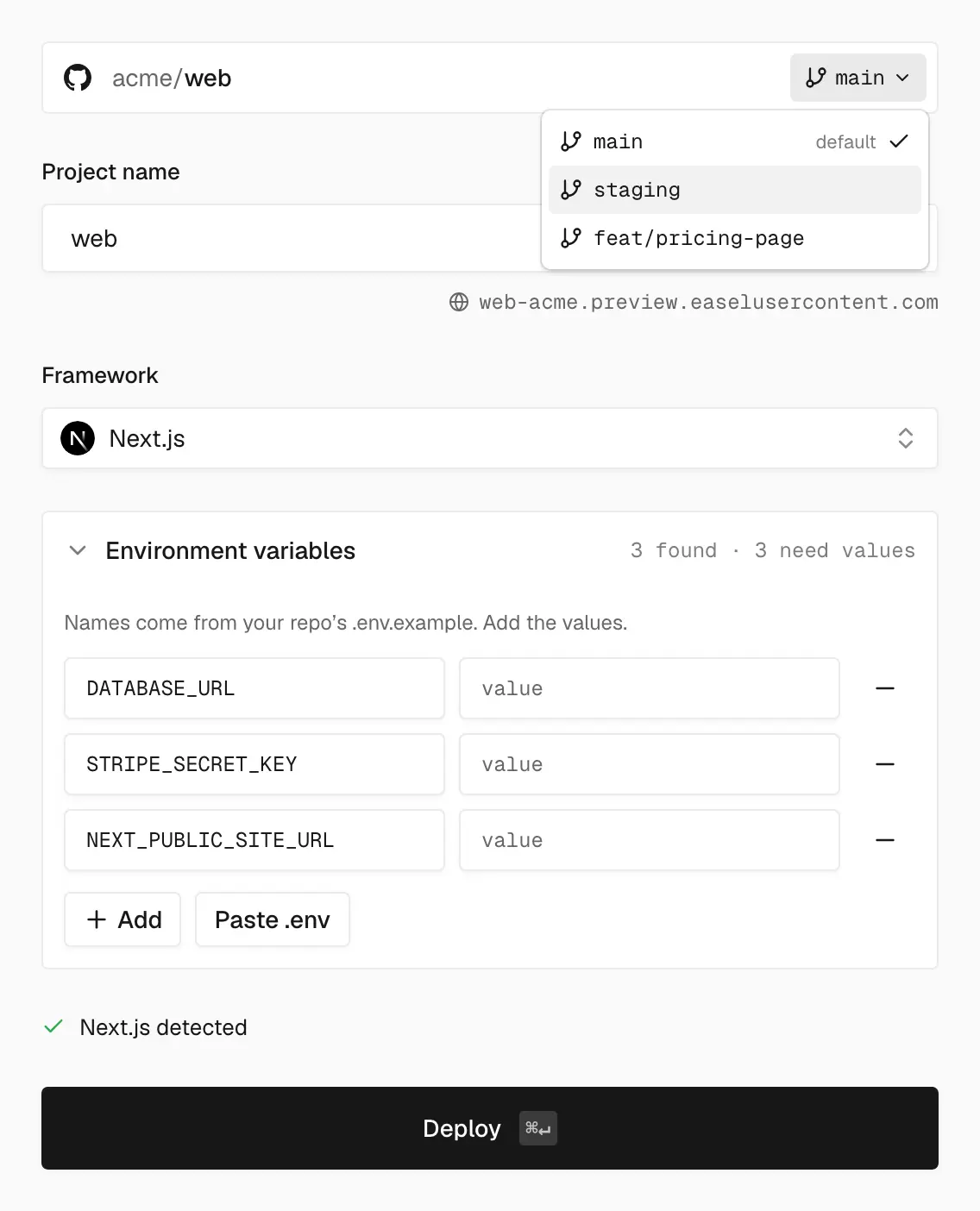
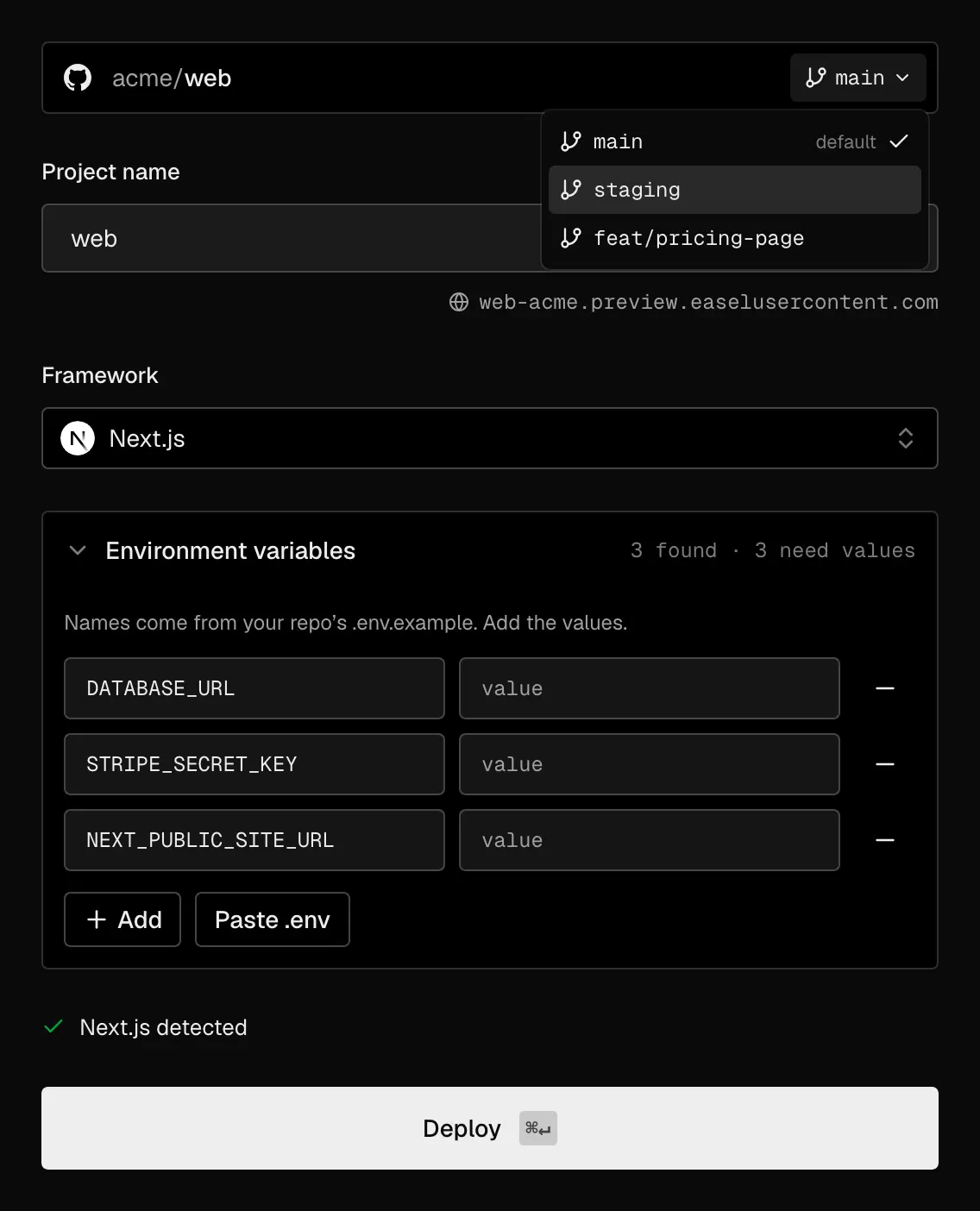
Pick a branch, and Easel fills in the framework and the variables your app expects
From sign-up to live
The steps run in order:
- Sign up: choose Continue with GitHub, or Continue with email to get a sign-in link
- Connect GitHub: choose which repositories Easel can deploy, or Skip for now
- Name your workspace: the page shows whether the workspace URL is available
- Import a repository: search your repositories, or deploy from your terminal with the CLI instead
- Configure and deploy: review the detected settings and choose Deploy
- Live: watch the build logs, then open your live site
Configure
Easel fills in the form from your repository:
- Branch: pick which branch to deploy
- Monorepos: Easel finds each app in the repository so you can pick a root directory
- Environment variables: names from
.env.exampleappear as empty rows to fill in vercel.json: a summary of the redirects, rewrites, and headers that carry over, and anything not supported yet
If the first build fails, choose Edit settings, fix what broke, and choose Deploy again.
New projects
The same import, configure, and deploy flow now runs at /<workspace>/new for every new project. Project names are unique within a workspace, since each name sets the project’s production hostname.
See Getting started.