Build queue and clearer build failures
 Sean DubbFounder, Easel.sh
Builds now run through a queue, fail with a reason you can act on, and are easier to fix and retry.
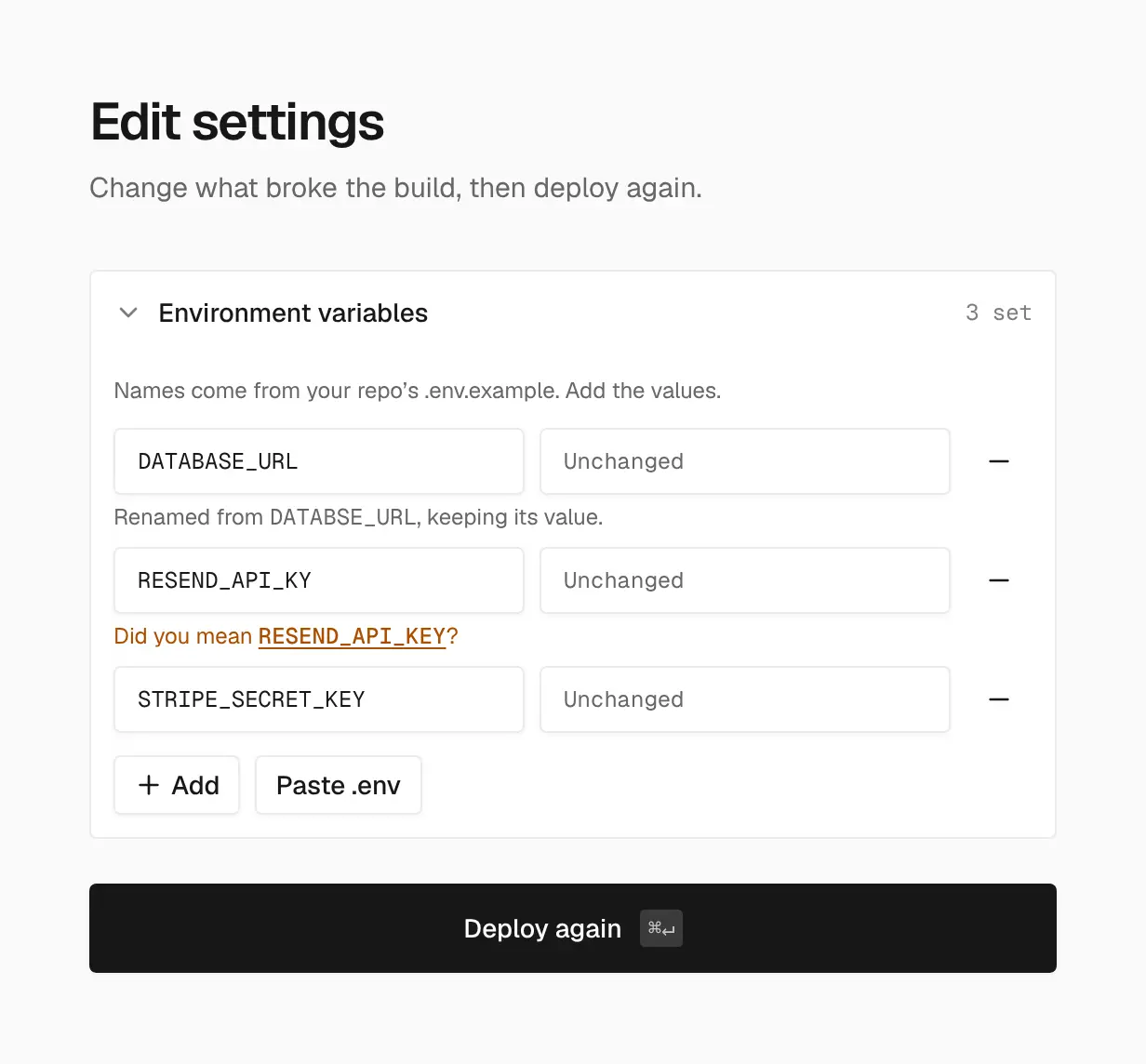
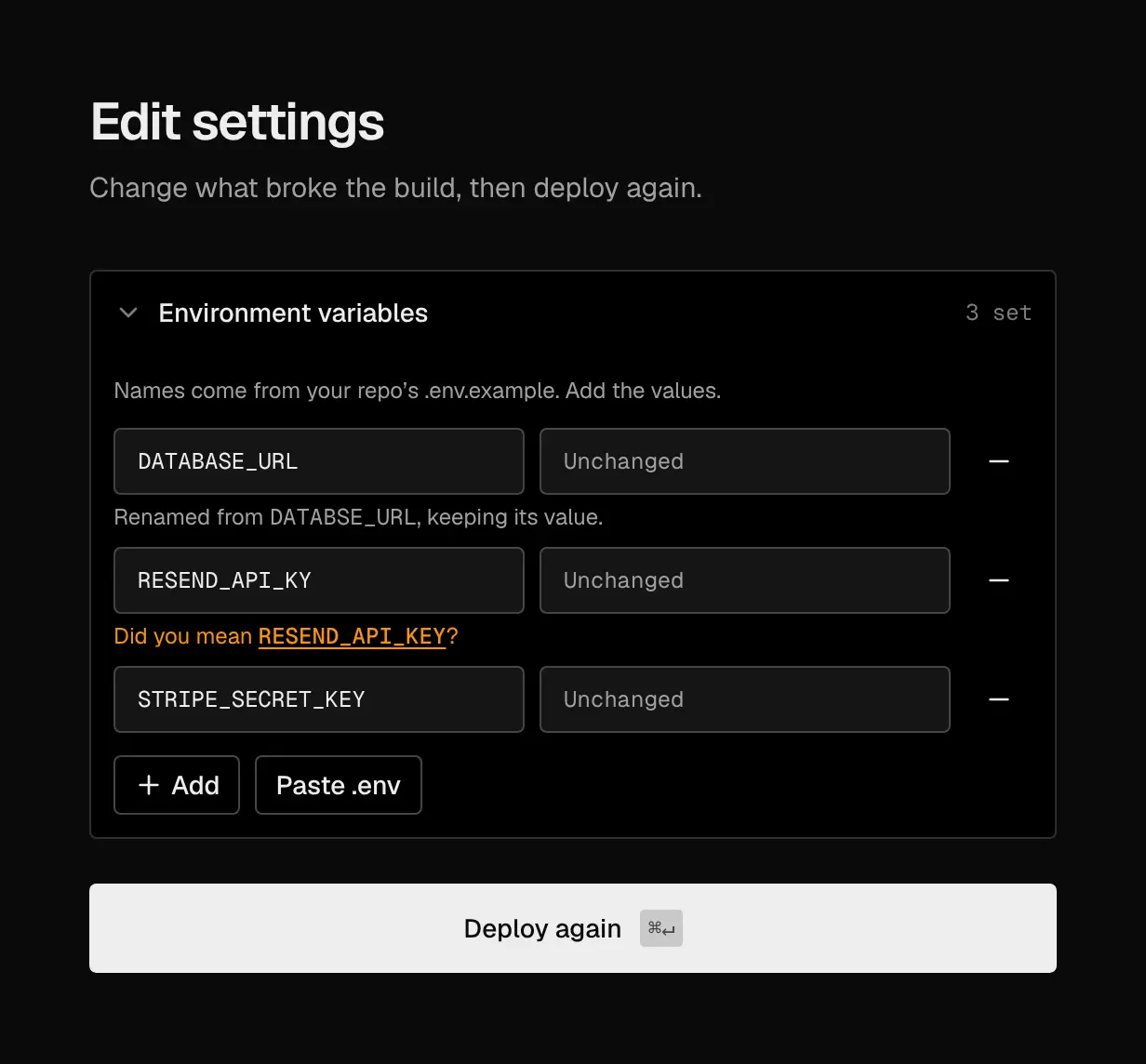
After a failed build, fix variable names in place and deploy again
Build queue
Each workspace runs 1 build at a time on Hobby and 3 on Pro. Further deployments show Queued, waiting for a build slot, and start in order:
- Production deployments start before Preview deployments.
- Within each, the oldest queued deployment starts first.
- When you push a newer commit, older deployments on that branch that are still queued become Superseded, so only the latest commit builds.
Time spent queued doesn’t count toward build minutes. If a build stops responding, Easel marks it Failed within about two minutes and starts the next one.
Project settings → Git also has Ignored preview branches, such as dependabot/*, to skip automatic Preview deployments for those branches.
Failure summaries that say what broke
A failed build’s summary now names the error that broke it, not the last line logged. It reads the build’s output, including Turborepo’s prefixed lines, skips stack frames, and names the page that failed, as in Failed to collect page data for /api/products. When there’s no clear error, it names the step that failed and its exit code, and says when the build ran out of memory.
A build that runs past the 10 minute limit now fails with that reason, instead of staying in Building.
Fix and deploy again
After a failed build, Edit settings lets you change what broke it before you deploy again. You can now rename an existing environment variable, keeping its value, or remove it. Names are checked as you type, and a name that’s close to one in your repo’s .env.example gets a suggestion, such as Did you mean RESEND_API_KEY?
Smaller fixes
- Lockfiles from pnpm 6 to 10 install with the matching pnpm, instead of failing as broken.
- Pasting a public GitHub URL that isn’t connected opens the configure step: pick the branch, the app in a monorepo, and settings before deploying.
- A finished deployment no longer offers Cancel.
See Build queue.