Choose repositories after signing in with GitHub
If you sign up with GitHub, onboarding now asks you to choose the repositories Easel can deploy, instead of asking you to connect GitHub a second time.
 Sean WhitemanFounder, Easel.sh
Signing in with GitHub proves who you are. It doesn’t give Easel access to your code. Onboarding used to show Connect GitHub right after you’d signed in with GitHub, which read like a step you had already done, and then asked again on the import screen.
If you signed up with GitHub, that step is now Choose which repositories Easel can deploy. It explains that signing in doesn’t share your code, and Choose repositories opens GitHub to pick them. The import screen uses the same words when no repositories are shared yet.
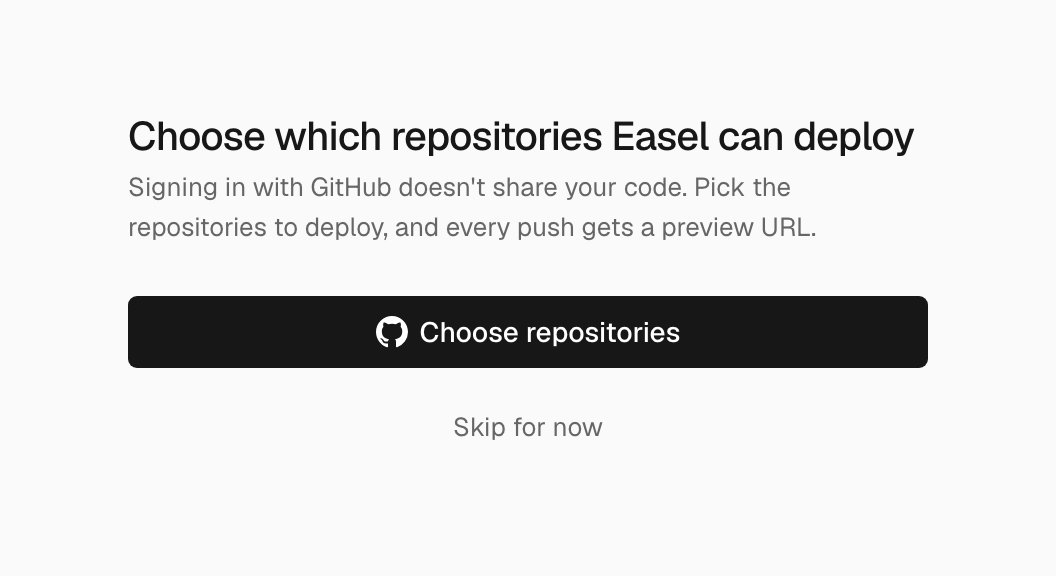
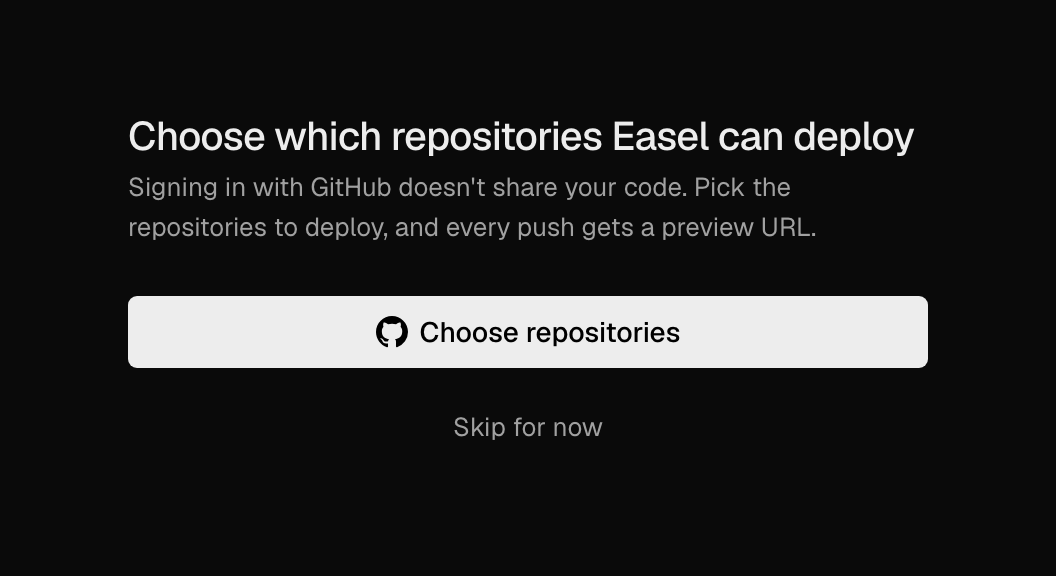
After signing up with GitHub, you choose which repositories Easel can deploy
Once you’ve chosen, every push to those repositories gets a preview URL.