Deploy from the CLI without Git
 Sean DubbFounder, Easel.sh
easel deploy uploads source from your machine, creates a preview or production deployment, and builds on the platform. Git is optional: useful for CI pipelines and local trees that are not pushed yet.
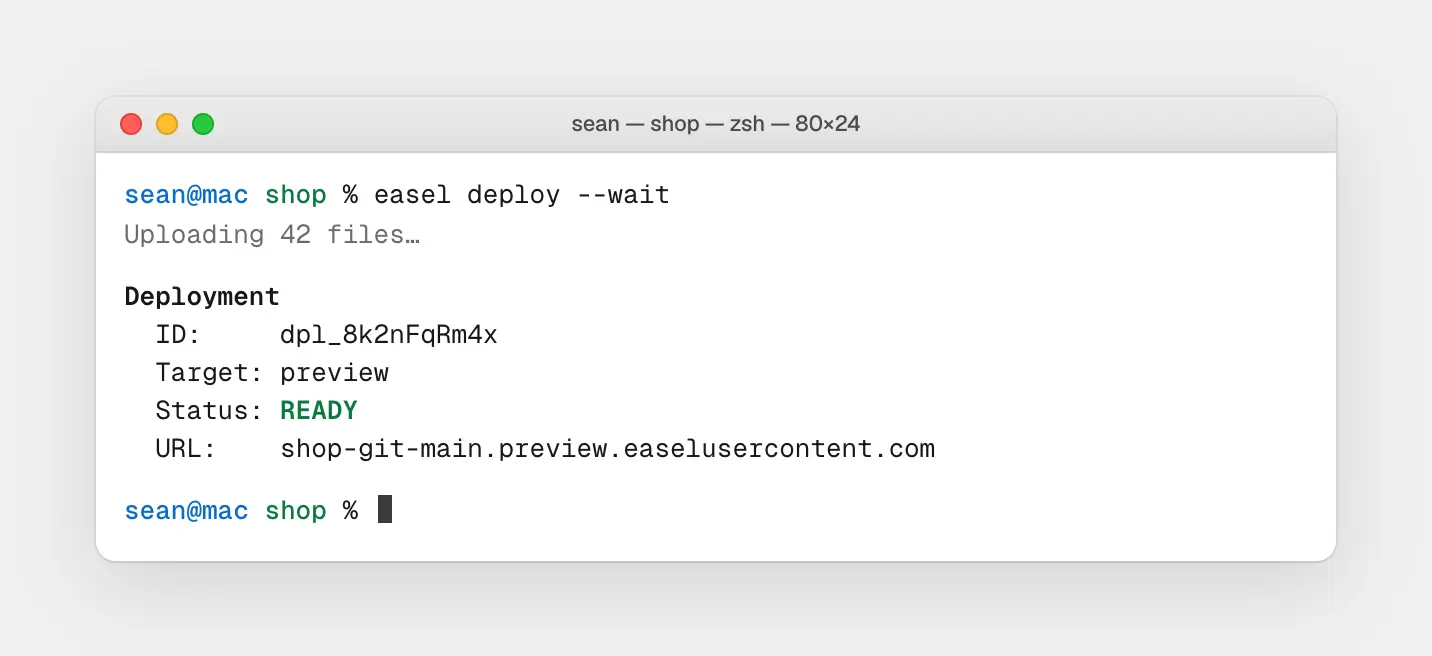
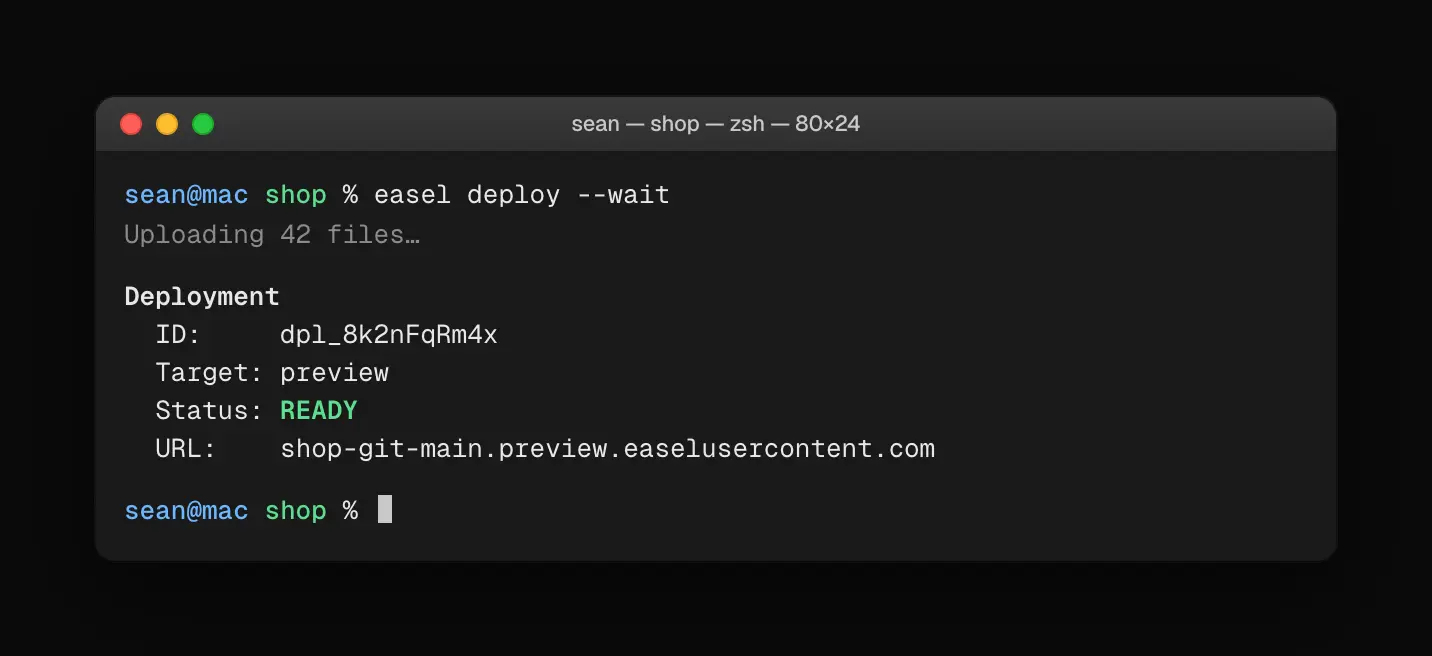
easel deploy uploads source and waits until the preview is READY
Filesystem upload
The CLI hashes files, skips secrets covered by ignore rules (including .env by default), and uploads only missing blobs. Pass --wait to block until the deployment is READY or fails. Use --prod for production (with -y in CI).
Monorepos
After easel link --repo, run easel deploy from an app subdirectory. The CLI resolves the project from your cwd and uploads the repository root so Root Directory and workspace packages still apply on the remote build.
See Deploy from the CLI and Projects.