Easel MCP server for AI agents
Connect Claude, ChatGPT, Cursor, or any MCP client to Easel to search the docs, deploy, read logs, and manage environment variables and domains.
 Sean WhitemanFounder, Easel.sh
AI agents can now work with Easel through its MCP (Model Context Protocol) server. Add it to your client by URL:
In Claude Code, install the Easel plugin, which adds the server and skills for deploying and debugging:
In Claude, add it under Settings → Connectors as a custom connector. ChatGPT, Cursor, and other clients add it as an HTTP server.
If you added the docs-only server at easel.sh/api/mcp, switch to this one: it has the same docs tools, plus your projects.
Sign in and choose workspaces
The docs tools work without signing in. The first time an agent needs your account, your client opens Easel in the browser. You sign in, choose which workspaces the agent can use, and select Allow. The agent can’t see any other workspace.
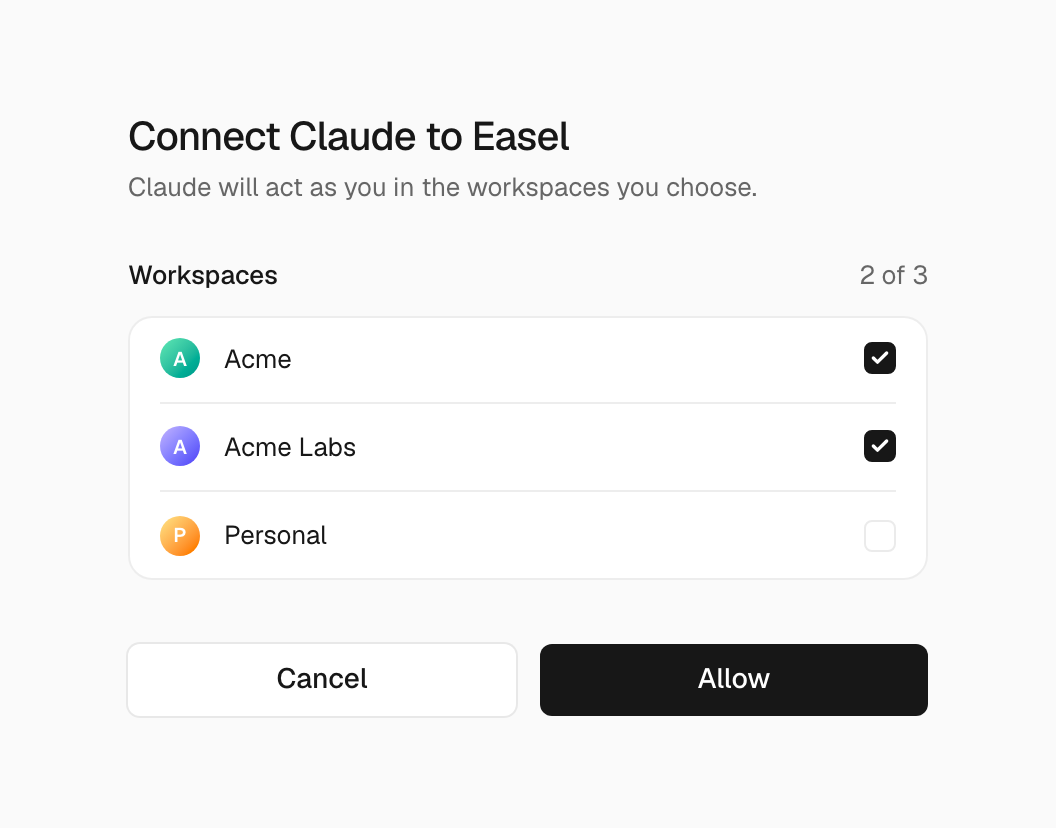
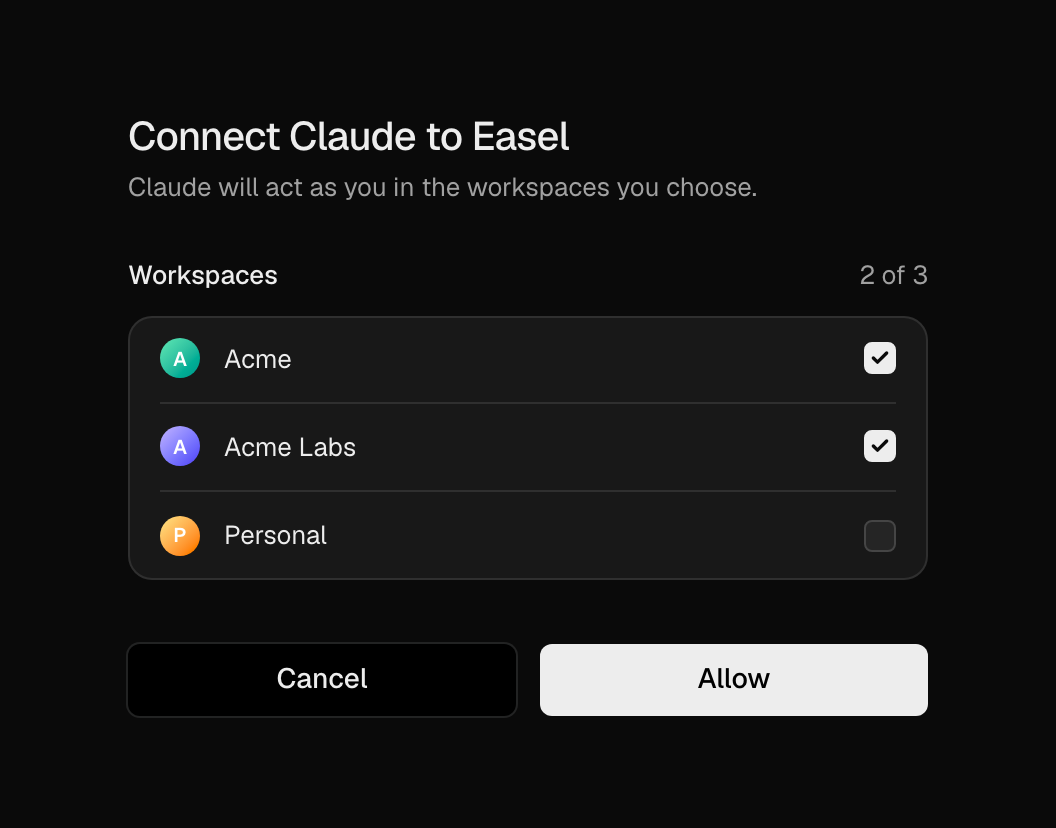
Choose which workspaces an agent can use when you connect it
To remove access, open the workspace’s Settings → Connected Apps and select Disconnect.
What agents can do
- Docs: search pages and read them as Markdown
- Deployments: deploy, read build and request logs, promote a preview, roll back, or cancel a build
- Environment variables: list names and set or delete them. Agents never see the values.
- Domains: add, verify, and remove custom domains
- Projects and usage: list and create projects, and read usage
Deploying to production, promoting, rolling back, and removing things are marked as destructive, so your client asks you before it runs them. Agents can’t manage tokens or webhooks, change project settings, or delete projects.