Pause production traffic
 Sean DubbFounder, Easel.sh
You can pause production for a single project from settings, or a platform admin can suspend an entire workspace. Visitors get HTTP 503 with a clear deny code, and preview stays up when only the project is paused.
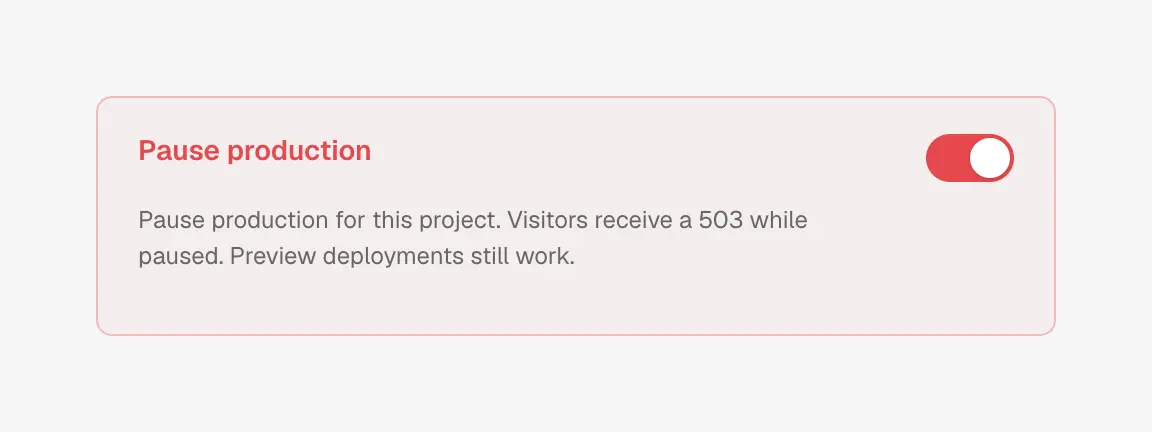
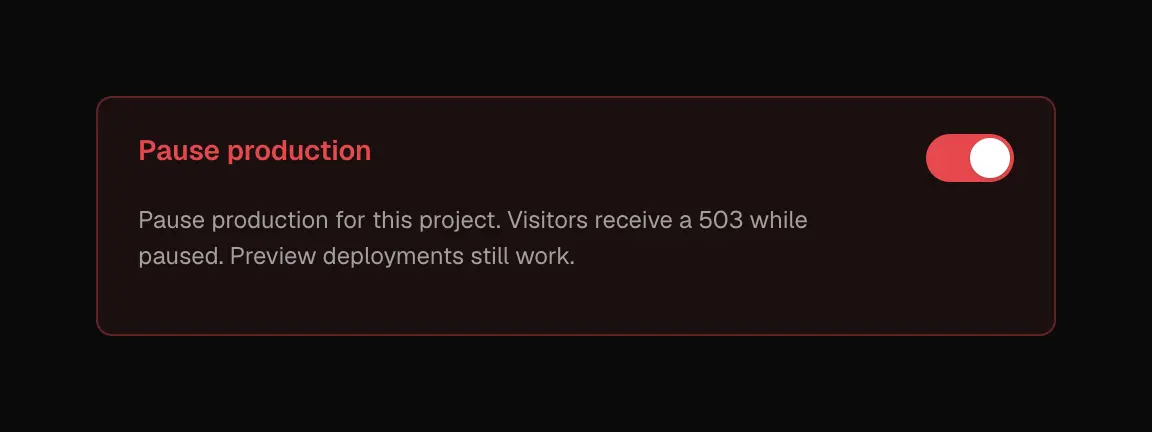
Pause production from project settings; preview keeps working
Pause a project
Owners and admins open Project settings, turn on Pause production, and type the project name to confirm. Production hostnames and custom domains stop serving. Preview URLs keep working so you can still share builds. Turn the switch off anytime to resume.
While paused, new production deploys and Git production promotes are blocked. Preview deploys still run.
Suspend a workspace
Platform admins can suspend a workspace for unpaid balances, usage limits, terms issues, or other admin action. Every project in that workspace stops serving (production and preview), and new deploys are blocked until an admin clears the suspension. Owners see a banner in the dashboard with a next step based on the reason.
Edge timing
The edge caches CDN manifests for about 30 seconds, so pause, resume, and suspend take effect shortly after you change them, not always instantly.
Pause production from Project settings. Workspace suspension is cleared by the platform after billing or admin review. See Deployment troubleshooting.