Redesigned project overview
 Sean DubbFounder, Easel.sh
The project overview is rebuilt around what you check after every push. You see whether production is healthy, which commit is live, what’s building, and anything that needs a person, with the fix next to each problem. The page updates live, and items change in place instead of shifting around.
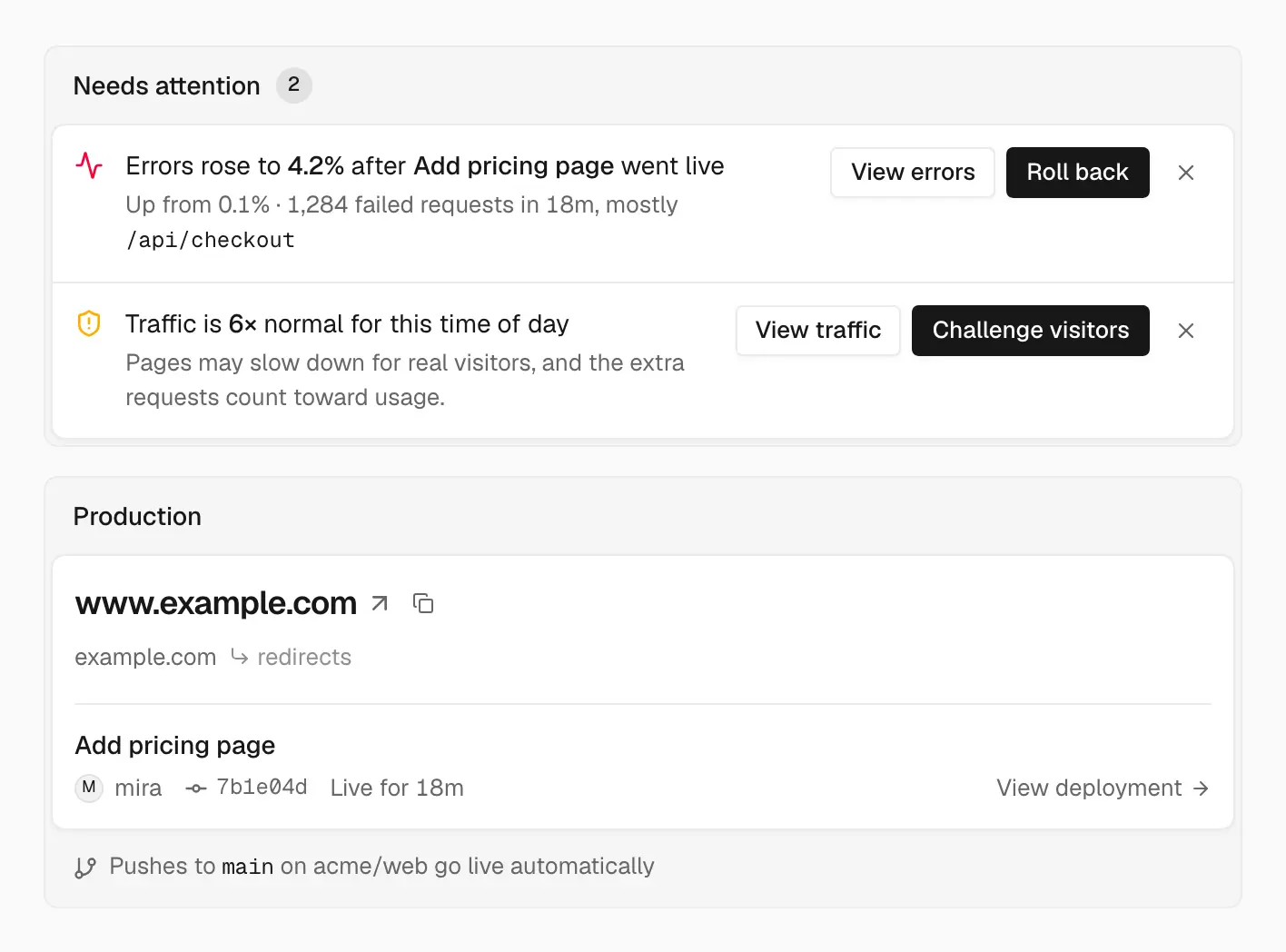

Needs attention puts the fix next to the problem, above what’s live
Needs attention
Needs attention appears only when something needs you:
- Failed production build: the build error, a note that visitors still get the previous deploy, and Redeploy
- Errors after a deploy: the new error rate against the old one, the busiest failing path, and an inline Roll back
- Domain not pointing to Easel: the DNS record to add, with copy buttons and Check again
- Traffic surge: how far above normal traffic is, with Challenge visitors to turn on attack challenge mode
Dismissing an item hides it for you only, and you can restore it while the problem still exists.
Production and previews
The Production card shows a screenshot, your custom domains first, and the live commit linked to GitHub. Its footer line tells you when a build is running, the project is paused, challenge mode is on, production was rolled back, or an environment variable changed since the live deploy. Previews lists the latest deployment for each branch, with Promote. New projects get setup steps for connecting a repository, deploying, adding a domain, and adding environment variables.
Last 24 hours and production history
The side rail charts requests over the last 24 hours with deploy markers and 5xx errors, plus your p75 response time against its usual range. Production history lists recent production deploys with Roll back and Promote.
See Promote and roll back for how rollbacks affect auto-deploy.