Redesigned project settings
 Sean DubbFounder, Easel.sh
Project settings are rebuilt. Each group has its own page in the settings sidebar, and every card saves the same way.
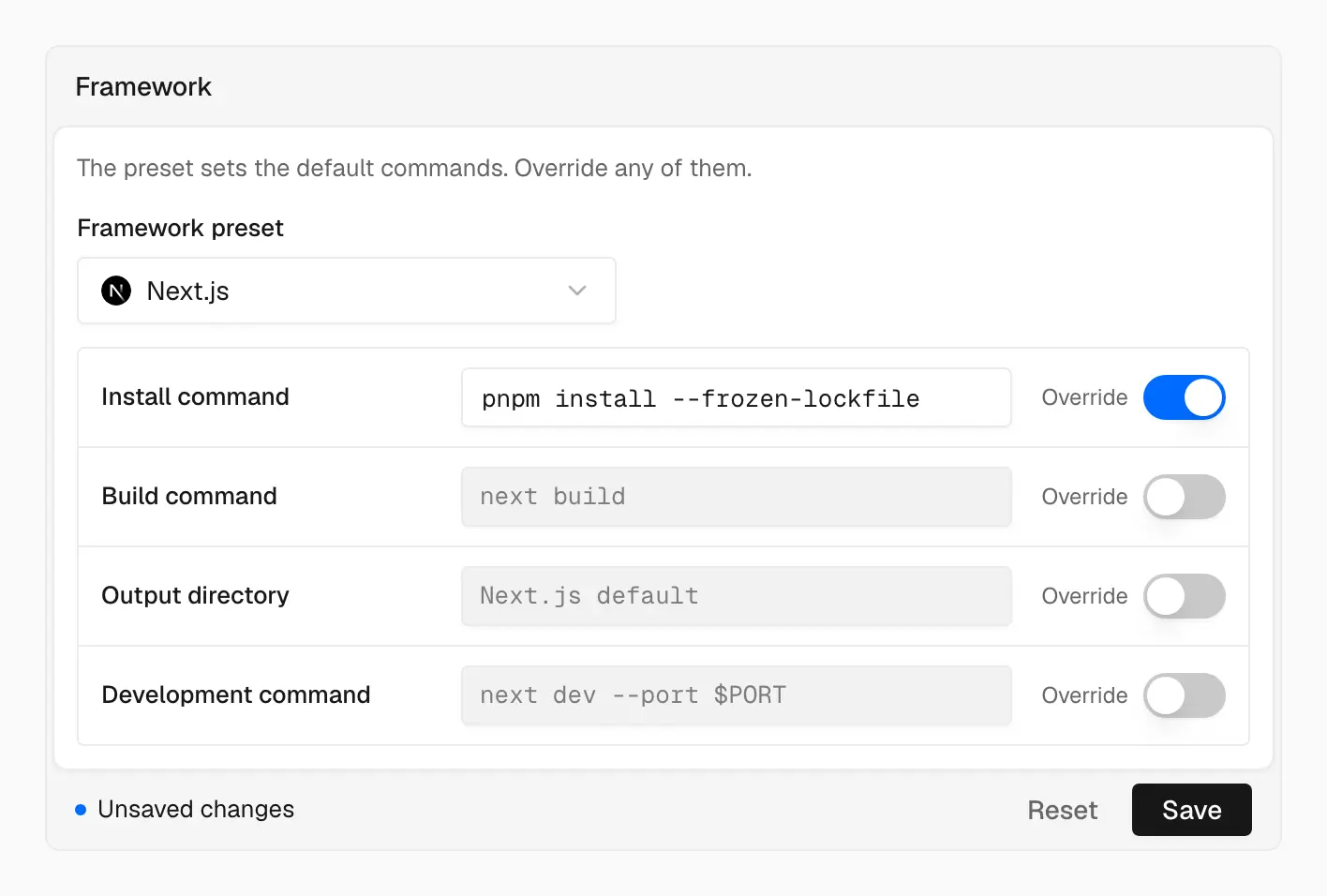
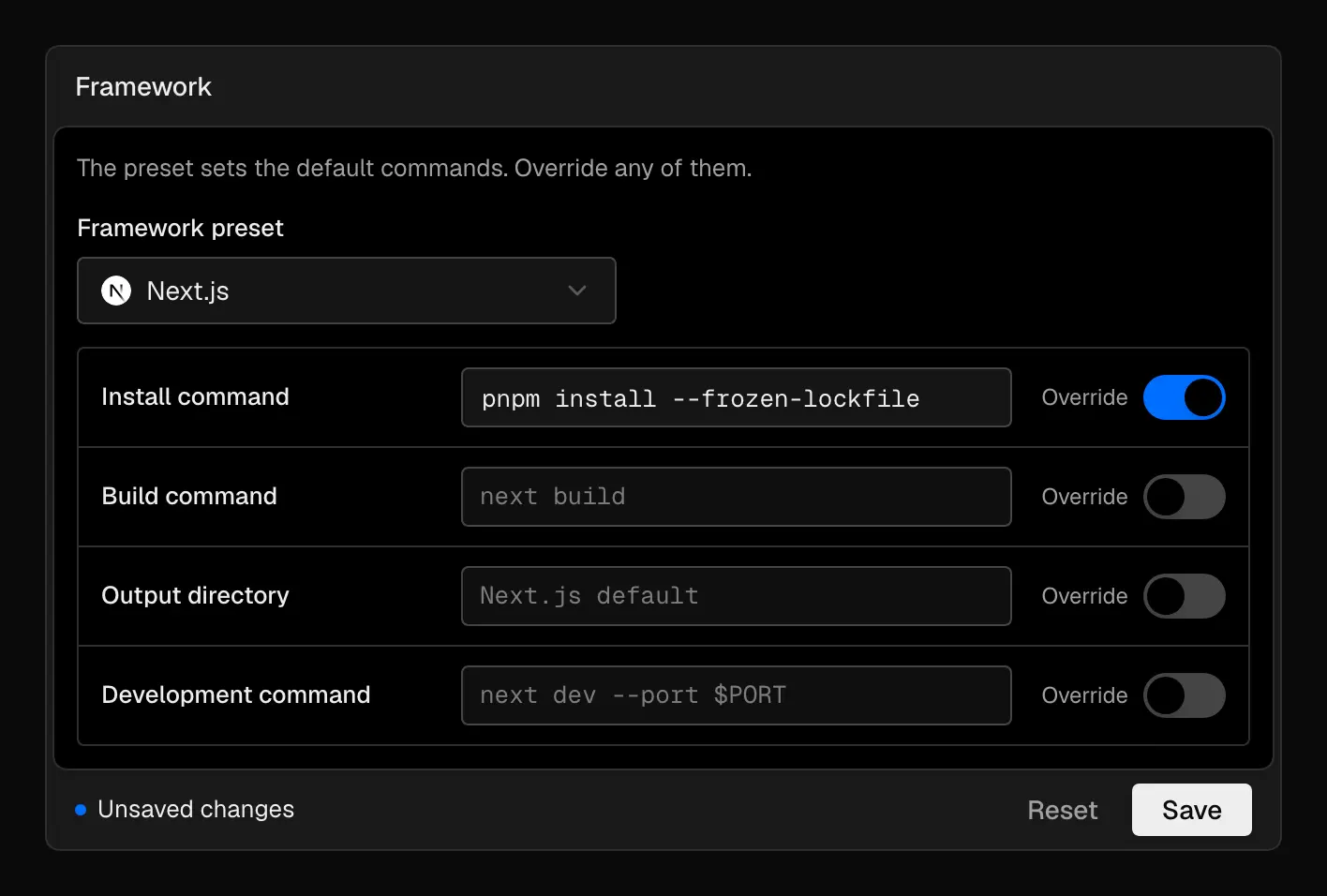
Framework defaults show through until you override them, and nothing saves until you say so
Pages
The sidebar lists:
- General: project URL, project ID, pause, and delete
- Git: the connected repository and Environments
- Build: framework preset, root directory, ignored build step, and build machine
- Functions: Function CPU and Node.js version
- Environment Variables
- Domains
- Security: deployment protection and attack challenge mode
Custom firewall rules now live on the project’s Firewall page, and Security links there. The old /settings/build-and-deployment URL is now /settings/build.
Unsaved changes
When you edit a card, its footer shows Unsaved changes with Reset and Save. Your edits stay when you move between settings pages, and a dot marks each page that has some. Reloading the page warns you before it drops them.
Environment variables
You can reveal a value that isn’t sensitive, edit a variable inline, and paste a .env file into a key field to add several at once.
Build defaults
Empty Install command, Build command, Output directory, and Development command fields show the real defaults for your framework preset. Type in a field to override it, or clear it to go back to the default.
See Build configuration and Environment variables.