Environment variables
Set build and runtime values for Preview and Production, keep secrets safe, and rotate them.
Environment variables give your builds and functions configuration and secrets, such as API keys and database URLs, without committing them to source control. Manage them in Project settings → Environment Variables.
Add variables
- Open Project settings → Environment Variables.
- Enter a key and value. To add several at once, paste the contents of a
.envfile into a key field. - Choose the environments that get the value: Production, Preview, Development, or any combination.
- Leave Sensitive on for secrets. See Sensitive values.
- Choose Add, then create a new deployment to use the value.
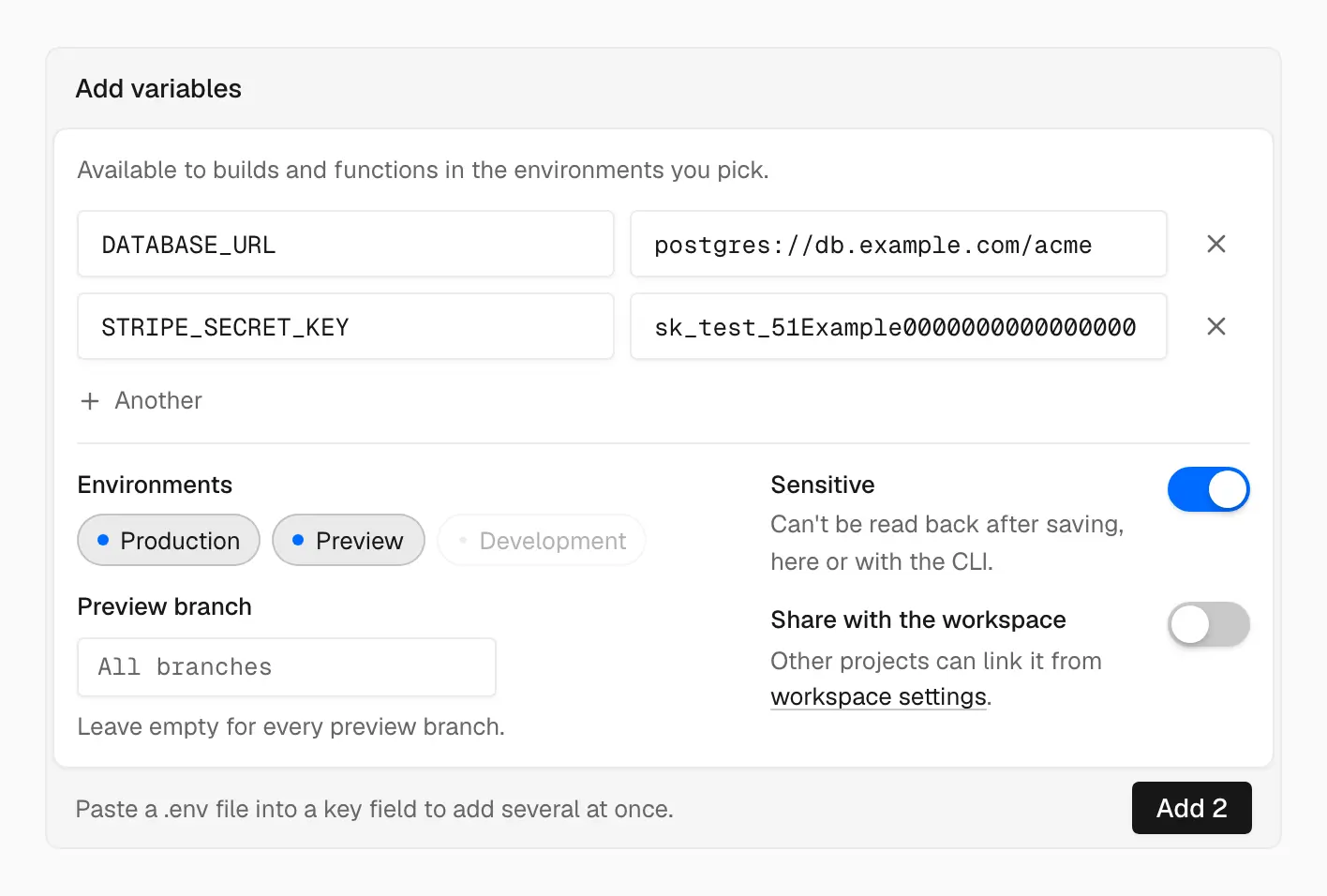
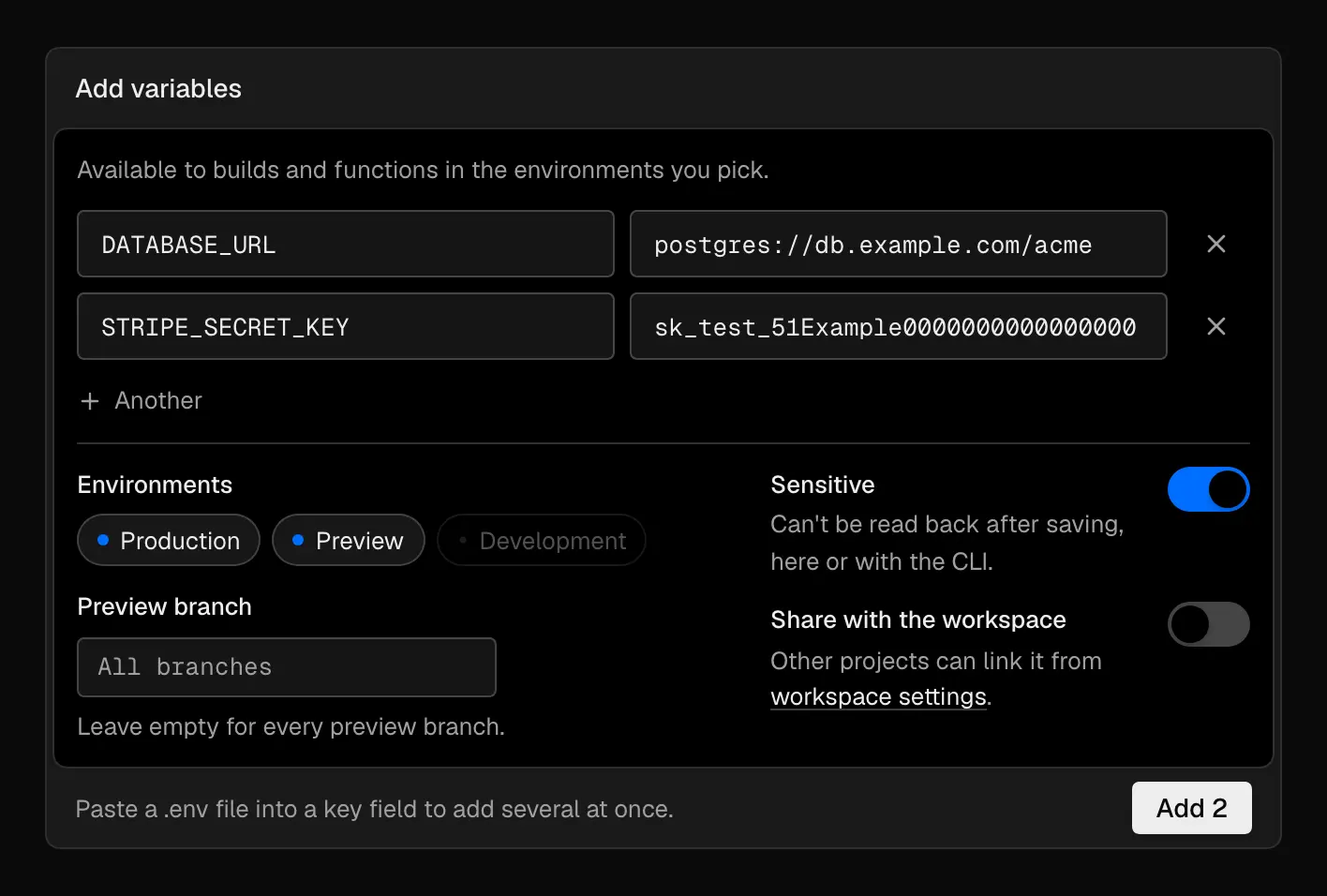
New variables go to Production and Preview and are sensitive by default
Names can contain letters, numbers, and underscores, and can't start with a number. The total size of a deployment's variables is limited. See Limits.
Environments and branch overrides
Each variable applies to the environments you pick:
- Production: Production deployments.
- Preview: Preview deployments from branches, pull requests, and
easel deploy. - Development: values for local development only. Deployments don't use them.
Preview deployments never receive Production values unless you add the variable to both. See Preview and Production.
To give one branch a different Preview value, enter the branch name in Preview branch when you add the variable. A branch override takes precedence over the Preview value for every other branch.
Shared variables
To reuse a value across projects, turn on Share with the workspace when you add it, or manage shared variables in the workspace's Settings → Environment Variables. Each project links the shared variables it uses. When a project defines the same name, the project's value wins.
When changes take effect
When a deployment is created, Easel takes a snapshot of the variables for its environment, and the build and functions use that snapshot. Adding, editing, or removing a variable doesn't change existing deployments. Create a new deployment to pick up the change. Promoting or rolling back moves traffic between deployments without changing the values each one was built with.
Build time and runtime
Your build command can read every variable for the deployment's environment,
and so can its dependencies' install scripts. Server-side code and functions
read the same values at runtime through process.env:
A variable can be needed at both build time and runtime, so make sure it's set for every environment that builds or runs the code.
Variables with a public prefix, such as NEXT_PUBLIC_ or VITE_, are embedded
in browser JavaScript at build time. Changing one takes a new build, and
promoting or rolling back doesn't change the embedded value. Never put a secret
in a public variable.
To make code behave differently per environment, set a variable for it instead of checking the request hostname.
System variables
Easel sets these variables for you. A variable you define with the same name takes precedence.
| Variable | Available | Value |
|---|---|---|
EASEL_ENV | Build and runtime | production or preview |
EASEL_URL | Build and runtime | Unique deployment URL hostname, without https:// |
EASEL_BRANCH_URL | Build and runtime | Branch URL hostname, when the deployment has a branch |
EASEL_PROJECT_PRODUCTION_URL | Build and runtime | Shortest live custom domain, or the generated production hostname |
EASEL_REGION | Runtime | Function compute region (us-east-1) |
EASEL_DEPLOYMENT_ID | Runtime | Deployment ID |
Each variable is also set under its VERCEL_ name, such as VERCEL_URL, so
existing framework integrations keep working. They're also exposed with your
framework's public prefix, such as NEXT_PUBLIC_EASEL_URL or
VITE_EASEL_URL, so client code can read them. See
Deployment URLs for hostname formats.
Sensitive values
Easel encrypts every value at rest. Who can see a value depends on Sensitive, which is on by default:
- Sensitive: the value can't be read back after you save it, in the dashboard or with the CLI. You can replace it, but you can't turn Sensitive off. Sensitive variables can't target Development.
- Not sensitive: members with access to the project can reveal the value in settings.
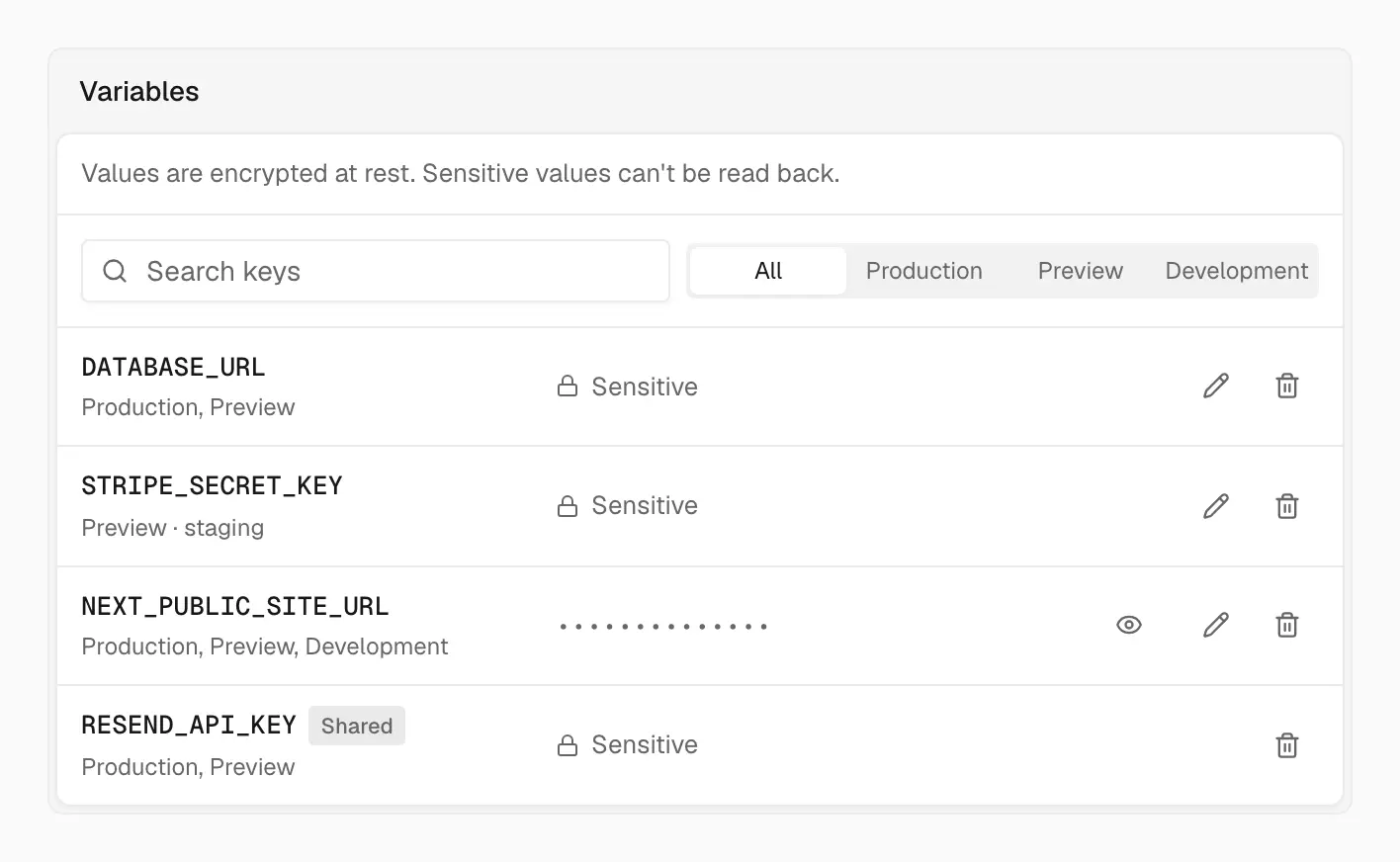
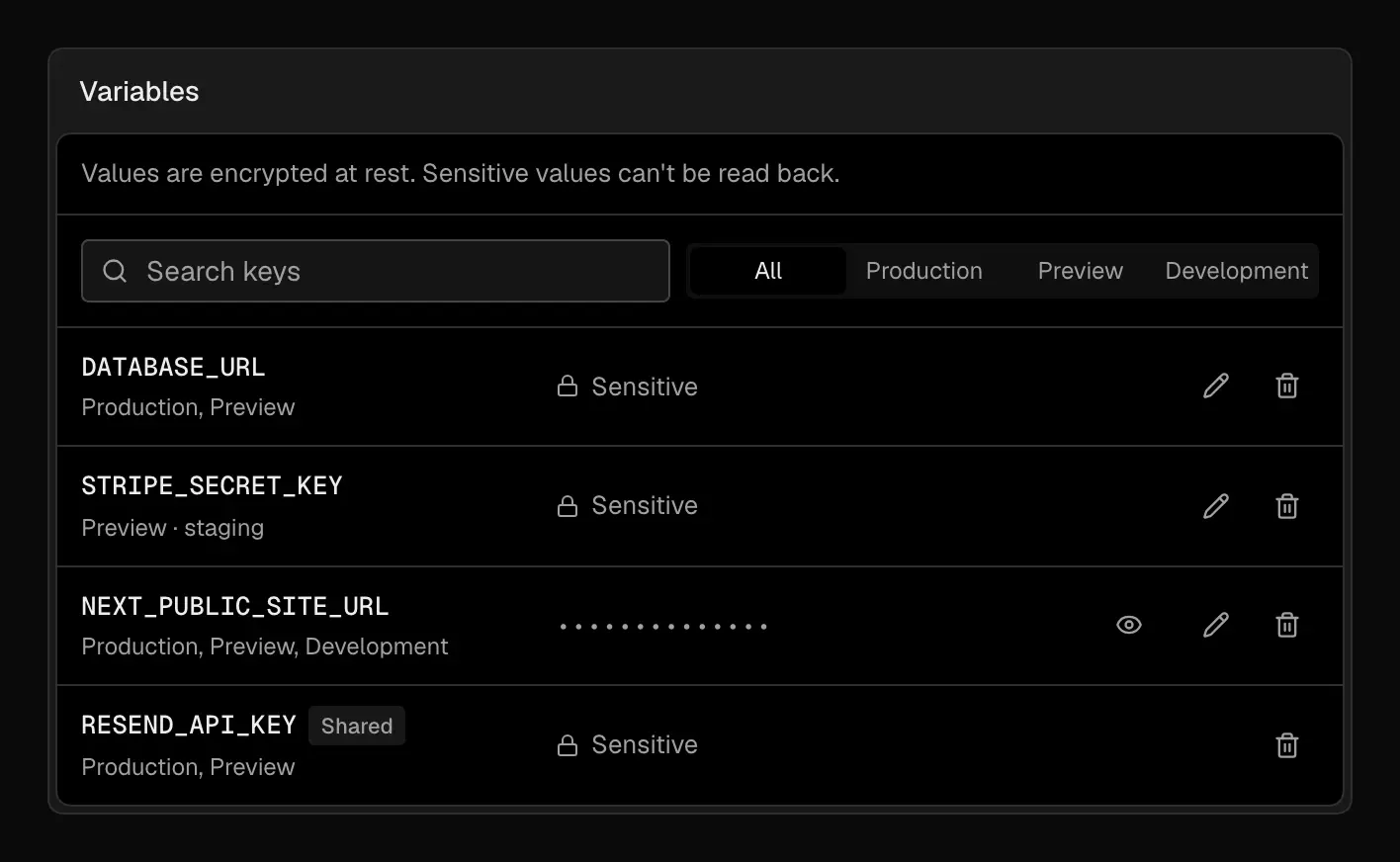
Sensitive values stay hidden; other values can be revealed
Log redaction can't catch every encoded or transformed value. Don't log authorization headers, cookies, tokens, passwords, private keys, or full connection strings.
Any code that runs during your build can read build-time secrets. Pin dependencies, review install scripts, and give each environment least-privilege credentials.
Forks and Preview variables
Easel deploys every push to the connected repository and doesn't withhold variables from forked pull requests. Treat Preview variables as reachable by untrusted code:
- Keep Production credentials out of Preview. Use test databases, sandbox API keys, and non-production callback URLs instead.
- Use branch overrides only where a branch needs a different value.
- Turn on deployment protection when previews must not be public.
Rotate a secret
Rotate a secret when someone with access leaves, when it appears in source control or logs, when an integration that holds it is compromised, or on your regular schedule.
- Create the replacement credential with the provider.
- Update the Preview value and check a new Preview deployment.
- Update the Production value and create a Production deployment.
- Promote the new deployment if it doesn't go live automatically.
- Revoke the old credential once you no longer need to roll back to a deployment that uses it.
Existing deployments keep the old value until they're replaced, and rolling back restores the value that deployment was built with.
Local development
Keep local values in your framework's local environment file, such as
.env.local, and add it to .gitignore. Easel doesn't sync variables to your
machine. Non-sensitive values can be revealed in the dashboard and copied.
If a variable is missing or stale in a deployment, see Deployment troubleshooting.