Schedules
 Sean DubbFounder, Easel.sh
Schedules run your code on a cron expression, in the time zone you choose, or once at a set time. Easel implements the same contract as Vercel Schedules, so schedules in vercel.json and the @vercel/schedules SDK work unchanged. Schedules is in beta and available on every workspace.
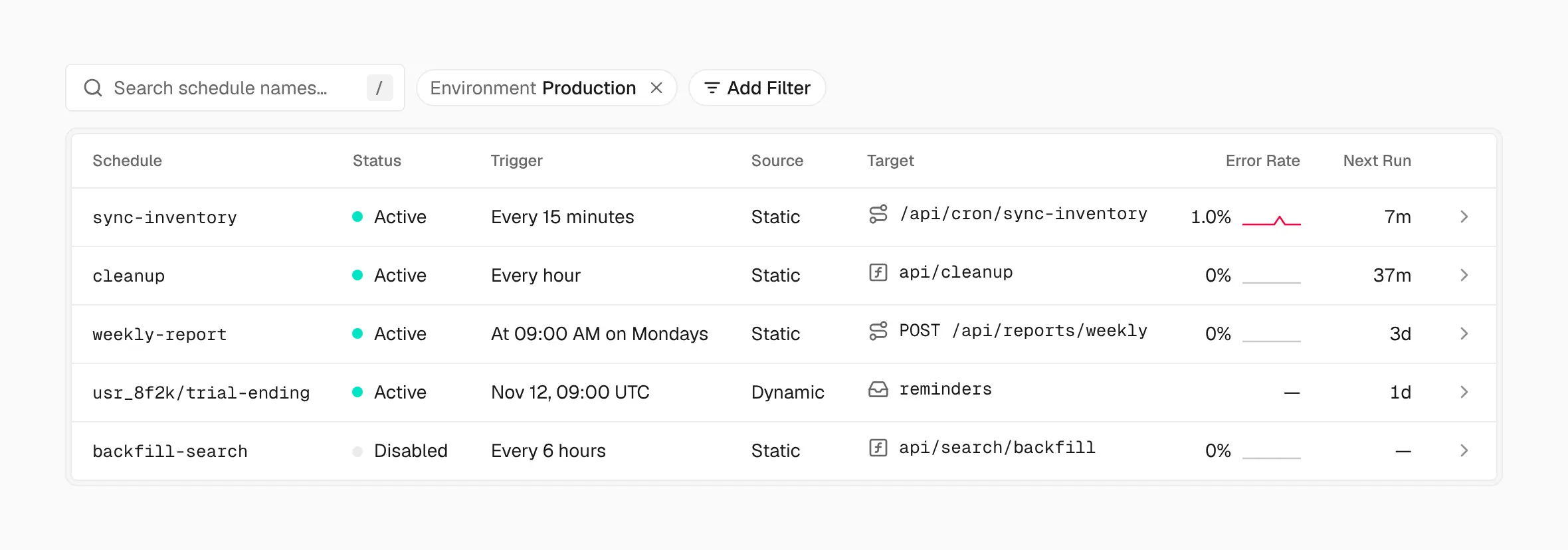
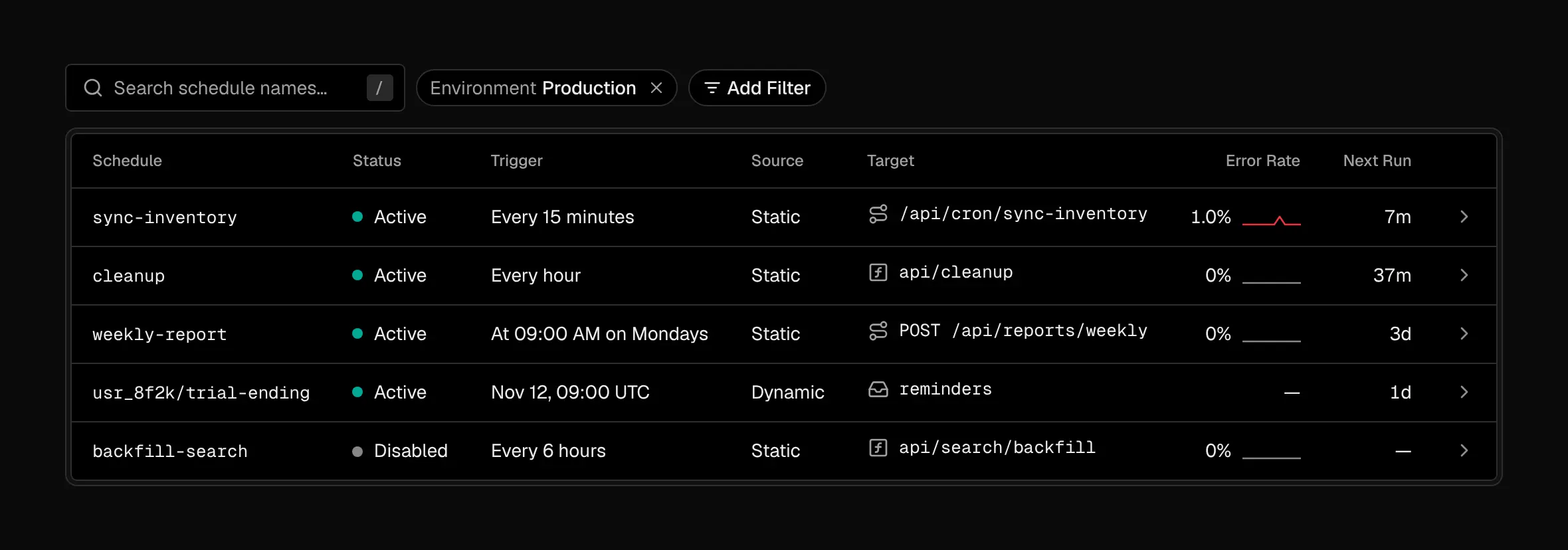
Every schedule in one list, with what runs it, what it calls, its error rate and when it runs next
Declare a schedule
Name each schedule in vercel.json and give it a five-field cron expression, an optional IANA time zone, and one target:
A schedule can run:
- A function: a private function wrapped in
handleSchedulefrom@vercel/schedules. It has no public URL, so only its schedule can run it. - A path: a request to your deployment that goes through routing and middleware, with
CRON_SECRETsent as a bearer token when you set it - A topic: a message published to a Queues topic, which gets Queues’ retries
Easel checks every schedule at build time. A schedule with a problem fails the build, with the schedule’s name and the reason.
Create schedules from your code
Schedules.create adds one-time or recurring schedules at runtime, such as a reminder at 9:00 in a user’s time zone. Runtime schedules publish to a queue topic with a JSON payload. The SDK also lists, updates, enables, disables, runs, and deletes them.
Production and previews
Schedules follow the deployment that’s current for their environment, and a rollback restores the schedules of the deployment you roll back to. New schedules start enabled in production and disabled on preview branches, so a preview never runs production work on its own.
Manage schedules
The project’s Schedules tab lists every schedule with its next run and error rate. Open one to Run Schedule now, enable or disable it, or see its runs from the last 90 days with their logs.
Moving from Cron Jobs
Easel doesn’t run crons in vercel.json. They never fail a build: the build log warns about each one and links to the migration. Move each entry to schedules with a name, and set requestMethod: "GET" to keep Cron Jobs’ method. Routes don’t change: runs still send vercel-cron/1.0 and CRON_SECRET.
Limits and pricing
Schedules have no charge of their own. Function and path runs bill as function invocations, and topic runs as Queues operations. Hobby runs a schedule at most every 15 minutes.
See Schedules for cron syntax, delivery guarantees, and limits.