Web Analytics and Speed Insights
Count visitors and measure Core Web Vitals with the unmodified @vercel/analytics and @vercel/speed-insights packages, served from a path ad blockers don’t block.
 Sean WhitemanFounder, Easel.sh
Every project now has an Analytics page and a Speed Insights page. Both work with Vercel’s packages as they are: install @vercel/analytics or @vercel/speed-insights, add the component, and deploy. You don’t change your code or set an endpoint.
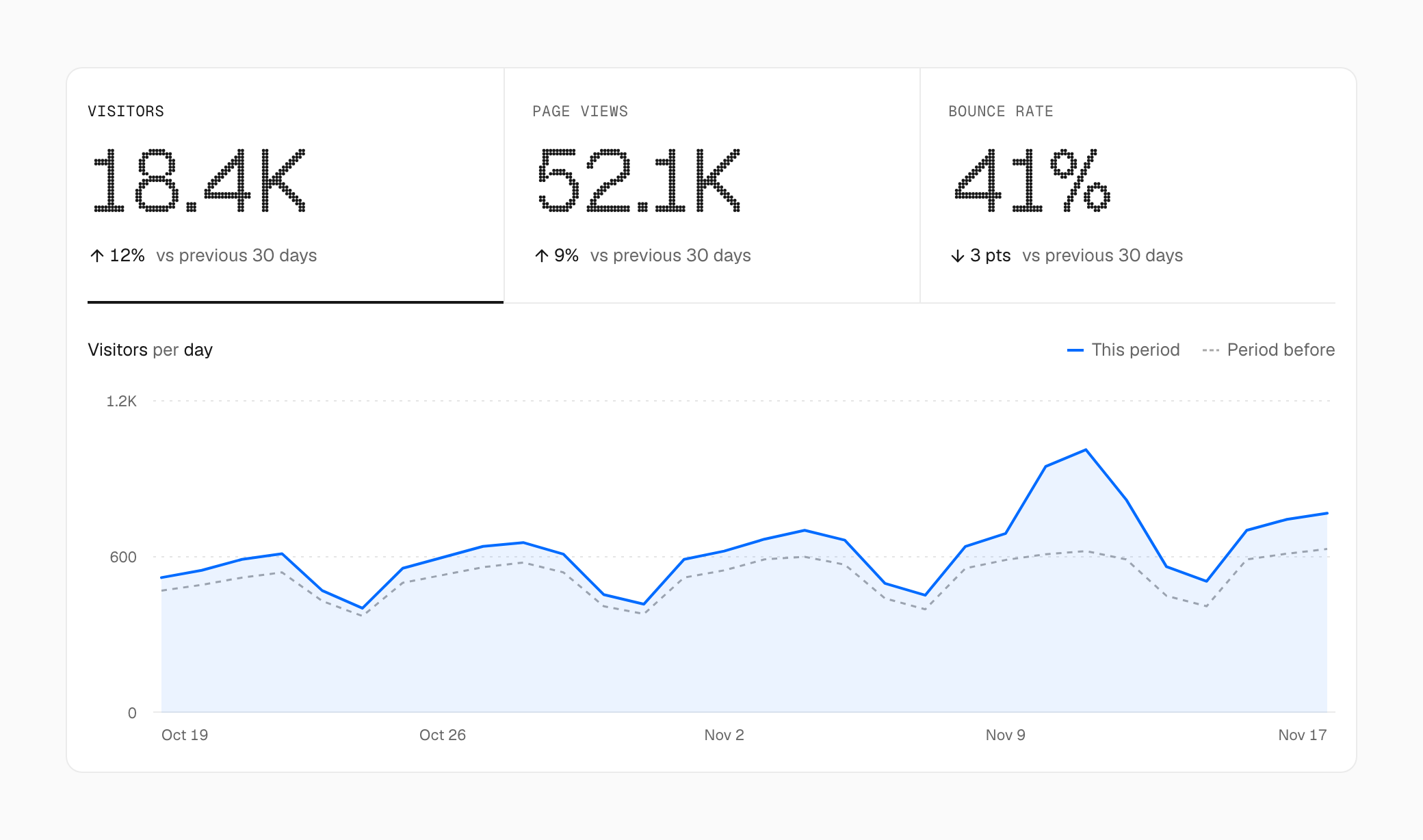
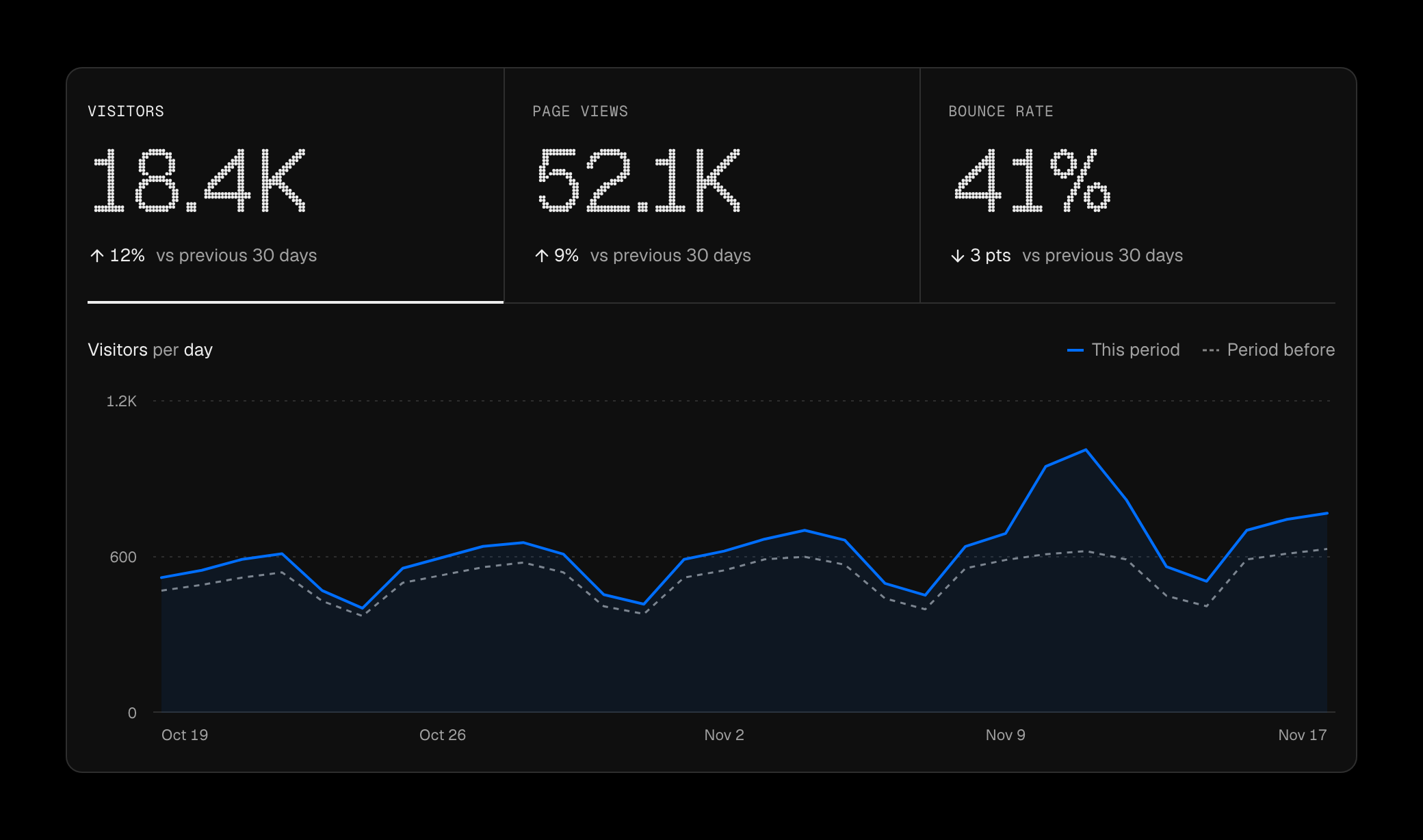
Visitors, page views and bounce rate for the last 30 days, against the 30 days before
Turn them on
Each is off until a workspace owner or admin selects Enable on its page. Then add the component to your app. For the Next.js App Router, that’s in app/layout.tsx:
React, SvelteKit, Nuxt, Vue, and plain inject() work too.
Not blocked by ad blockers
Ad blockers drop requests to /_vercel/insights. Every Easel build points both packages at a path unique to your project instead, so visitors with an ad blocker still count.
Web Analytics
The Analytics page shows visitors, page views, and bounce rate, with the change from the previous period. Below them are pages, routes, referrers, UTM parameters, countries, devices, browsers, and custom events. Select any row to filter the whole page, and share the filtered view by its URL.
Send custom events with track(), from the browser or from server code:
Web Analytics doesn’t use cookies. A visitor is an anonymous hash that changes every day, and IP addresses aren’t stored with your analytics.
Speed Insights
Your visitors’ browsers report Core Web Vitals: LCP, INP, CLS, FCP, and TTFB, summed up in a Real Experience Score. Pick desktop or mobile and a percentile, then find the routes, paths, and countries rated Poor.
Pricing
| Product | Hobby | Pro |
|---|---|---|
| Web Analytics | 50,000 events a month | $0.03 per 1,000 events |
| Speed Insights | 10,000 data points a month | 10,000 data points a month, then $0.65 per 10,000 |
On Hobby, collection pauses when the allowance runs out, and your sites keep running.
See Web Analytics and Speed Insights.