Instant Rollback and promote to production
 Sean DubbFounder, Easel.sh
You can Instant Rollback production to a prior deployment without rebuilding, stage production builds with auto-assign off, and promote a verified preview to production.
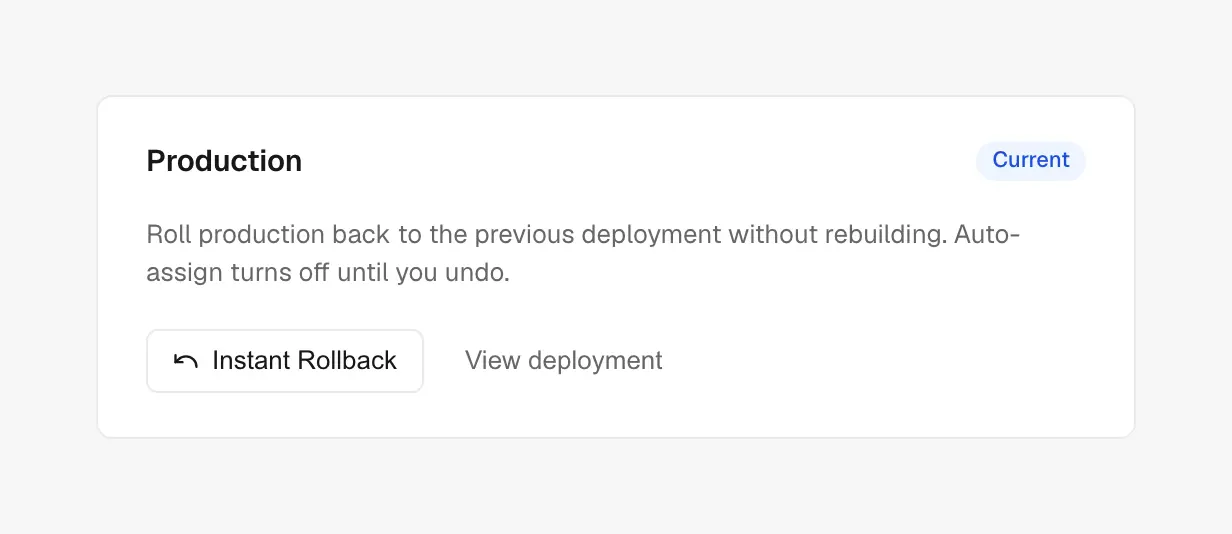
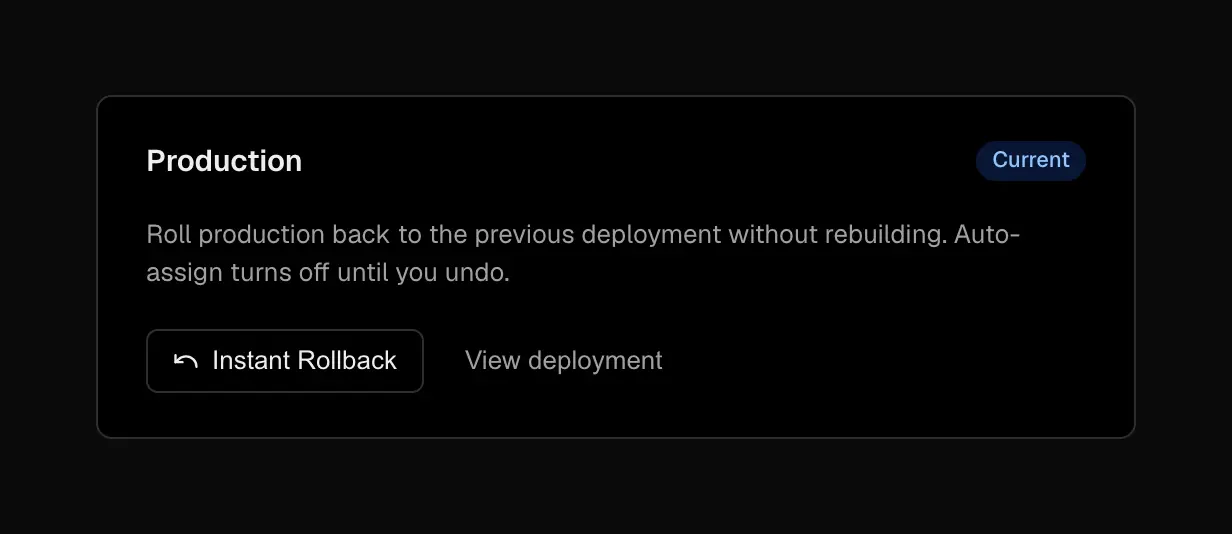
Instant Rollback on the project overview
Instant Rollback
When a production release goes wrong, open a prior production deployment (or use Instant Rollback on the project overview) and confirm. Production hostnames and custom domains move to that deployment immediately. Environment variables stay as they were when that build shipped.
Eligible targets are deployments that have already held production traffic. Migration seeded eligibility for each project’s Current deploy at ship time; older pre-feature production deploys are not Instant Rollback targets until they serve production again.
After a rollback, auto-assign of production domains turns off so new pushes do not overwrite the recovery. Choose Undo Rollback on the overview, or turn auto-assign back on in Project settings → Environments.
Auto-assign and staged production
Turn Auto-assign production domains off when you want production builds to finish as Staged before they go live. Promote a staged deployment from the deployment actions menu to make it Current with no rebuild.
Promote a preview
From a READY preview, choose Promote to Production. Easel queues a new production build from the same commit using production environment variables. When that build is READY, domains follow your auto-assign setting.
See Promoting deployments and Rolling back deployments for step-by-step detail.