Domain ownership, wildcard domains, and Cloudflare’s proxy
 Sean DubbFounder, Easel.sh
Custom domains now belong to one workspace at a time, and the DNS record that connects a domain is also the proof that you control it. A project can also serve a wildcard domain, and domains can sit behind Cloudflare’s proxy.
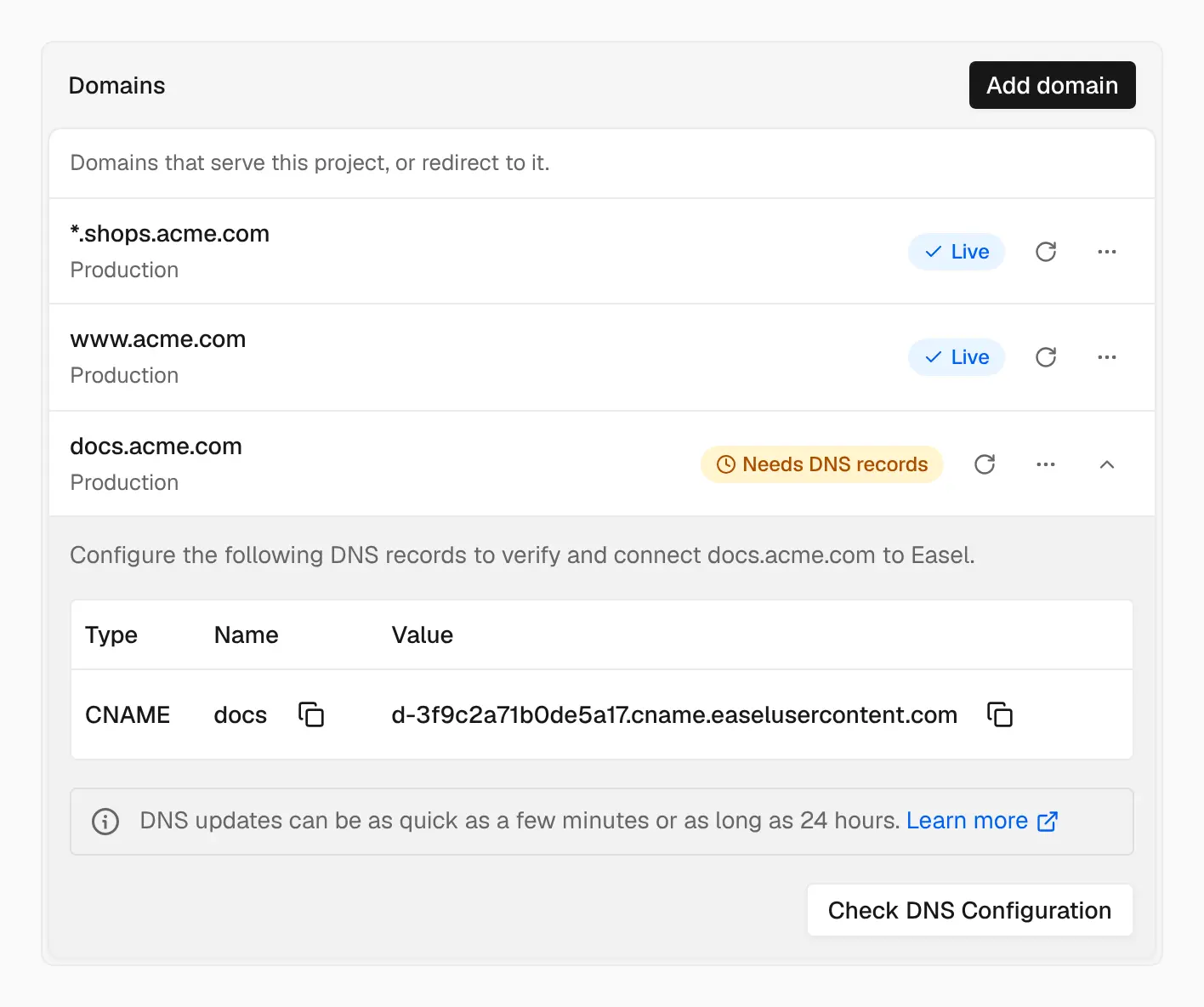
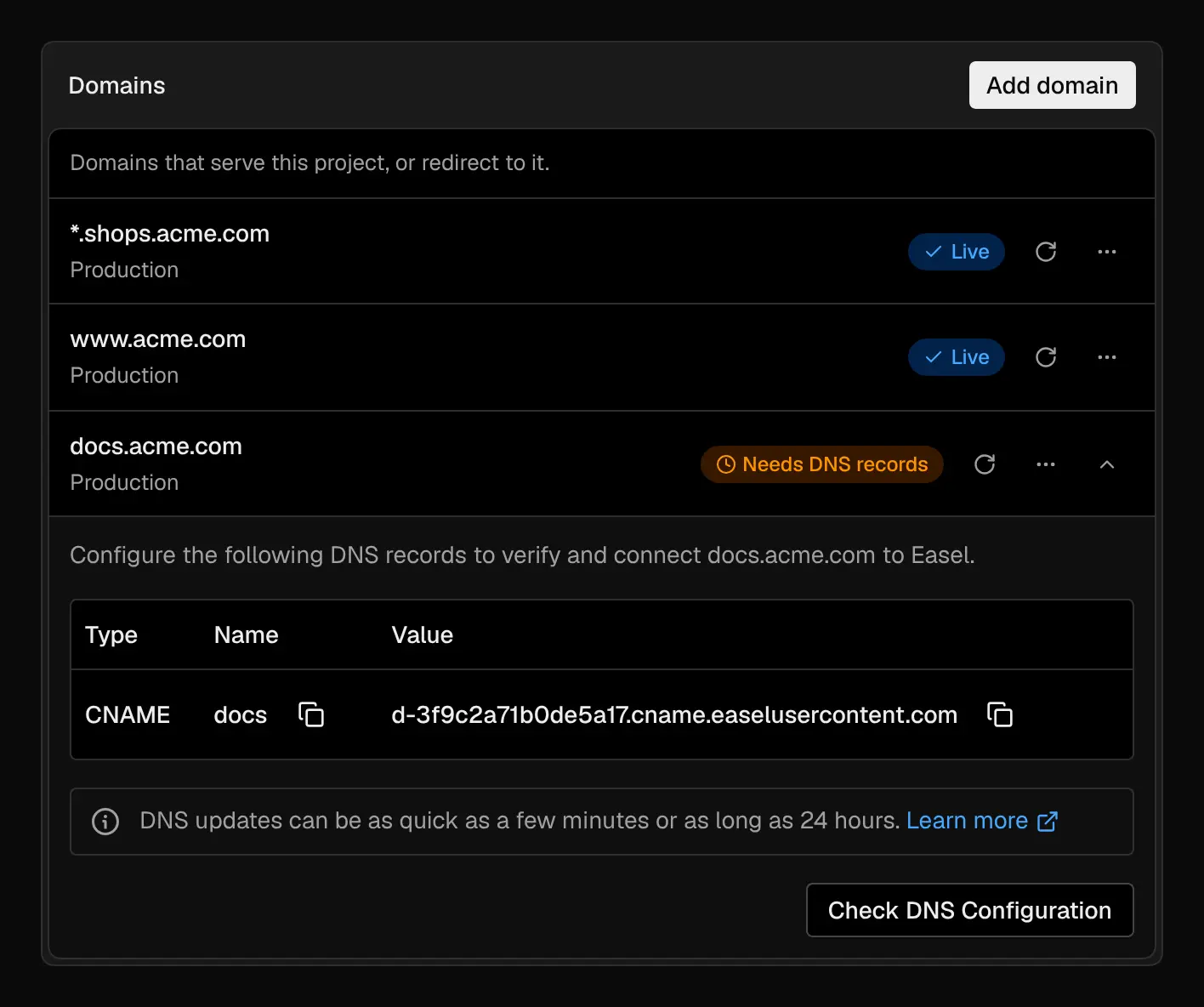
A wildcard domain serves every subdomain, and each new domain gets a CNAME target of its own
A CNAME target for each domain
Every subdomain on external DNS gets its own CNAME target when you add it, such as d-3f9c2a71b0de5a17.cname.easelusercontent.com. Project settings → Domains shows it in the domain’s DNS records.
- The target stays with the domain. Moving the domain to another project, or its project to another workspace, never needs a DNS change.
- Leftover records are harmless. No other workspace is ever given your target, so a CNAME left behind after you remove a domain can’t be used by anyone else. If you add the domain back, it gets the same target.
- Apexes can be shared. If another workspace has
example.com, you can still adddocs.example.comto your project.
Take over a domain another workspace holds
When you add a domain another workspace holds, the dashboard shows the record that proves you control it: a CNAME to your target for a subdomain, or a TXT record at _easel.<domain> for an apex or an Easel DNS zone. Add it and select Verify and add. The domain moves to your workspace, and the other workspace’s owners and admins get an email. Only the hostname you prove moves.
Wildcard domains on a project
A project can serve a wildcard domain such as *.shops.acme.com, so every name one level under it reaches the project’s production deployment without adding a domain for each one. An exact domain on another project always wins. Add shops.acme.com as a wildcard domain on your workspace’s Domains page first, then add *.shops.acme.com to the project.
See Wildcard domains.
Behind Cloudflare’s proxy
If Cloudflare hosts your DNS, you can turn on its proxy (the orange cloud) for a custom domain, when you connect it or after it’s live. Easel detects the proxy and shows an _acme-challenge record to add as DNS only, which it uses to issue and renew the domain’s certificate. Set SSL/TLS to Full (strict), and the row shows Live and Through Cloudflare.
See Domain ownership and Use Cloudflare’s proxy.