Use Cloudflare's proxy
Send a custom domain's traffic through Cloudflare's proxy (the orange cloud) to Easel, and the configuration it needs.
If you manage your domain's DNS in Cloudflare, you can use it with Easel with the proxy on or off. To send visitors directly to Easel, leave the domain's record set to DNS only and follow Add a custom domain.
If you want to send traffic through Cloudflare, follow the steps below. You can turn on the proxy when you connect the domain or after it's already live.
Before you begin
Add the domain to your Easel project and make sure you can edit its DNS records in Cloudflare. This setup requires Cloudflare to host the domain's DNS. Domains that use Easel DNS can't use Cloudflare's proxy.
Set up the proxy
-
In Cloudflare, create or update the routing record shown in the Easel dashboard. Use the A record for an apex domain such as
example.com, or the CNAME for a subdomain such aswww.example.com. Set this record to Proxied (the orange cloud). -
In Easel, open Project settings → Domains and refresh the domain's row. Easel detects the proxy and shows an additional
_acme-challengerecord. If the domain is already live, the row shows Check DNS and its message names the record. If the row doesn't show Through Cloudflare yet, wait a few minutes for the DNS change to reach public resolvers, then refresh again.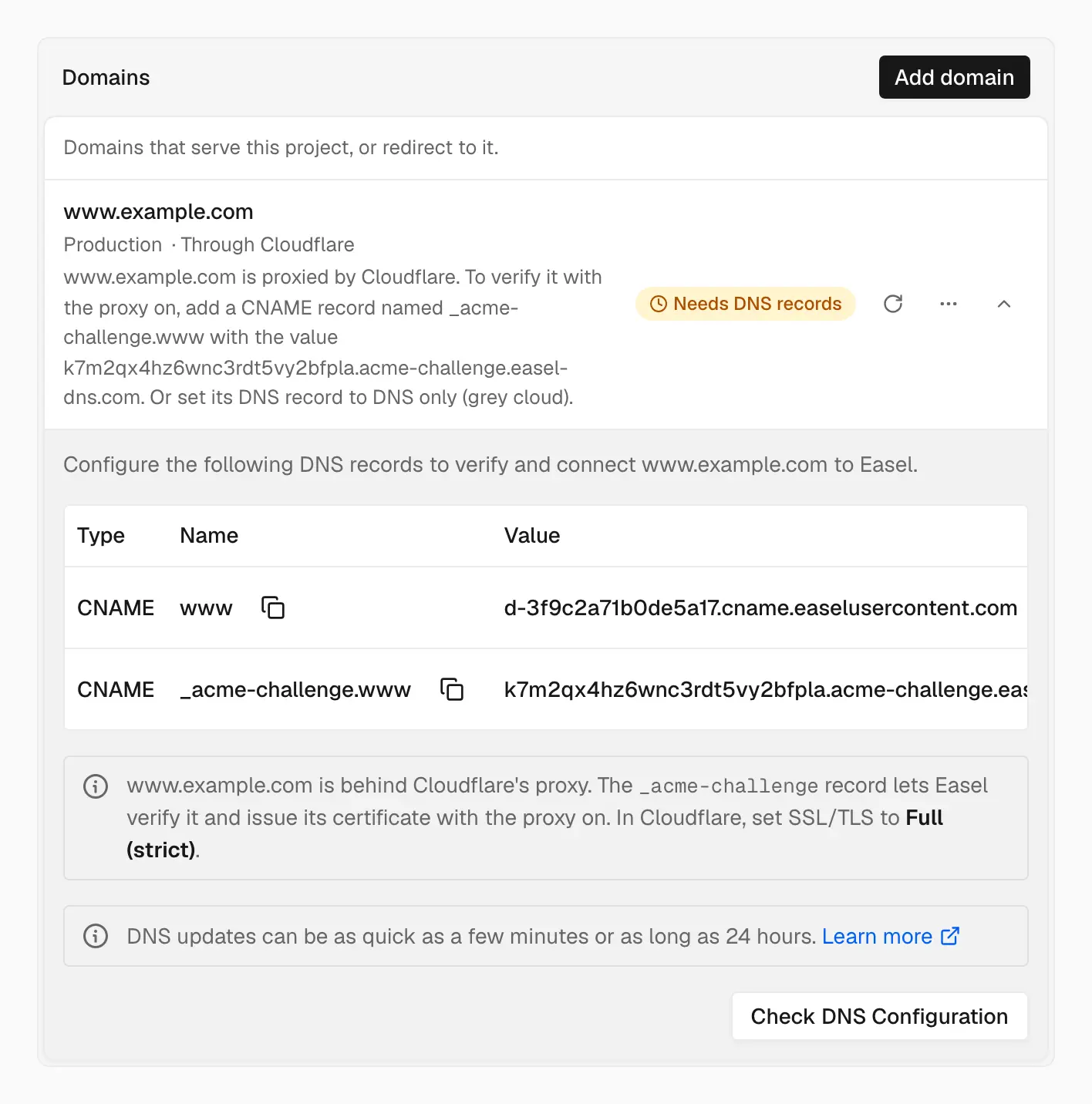
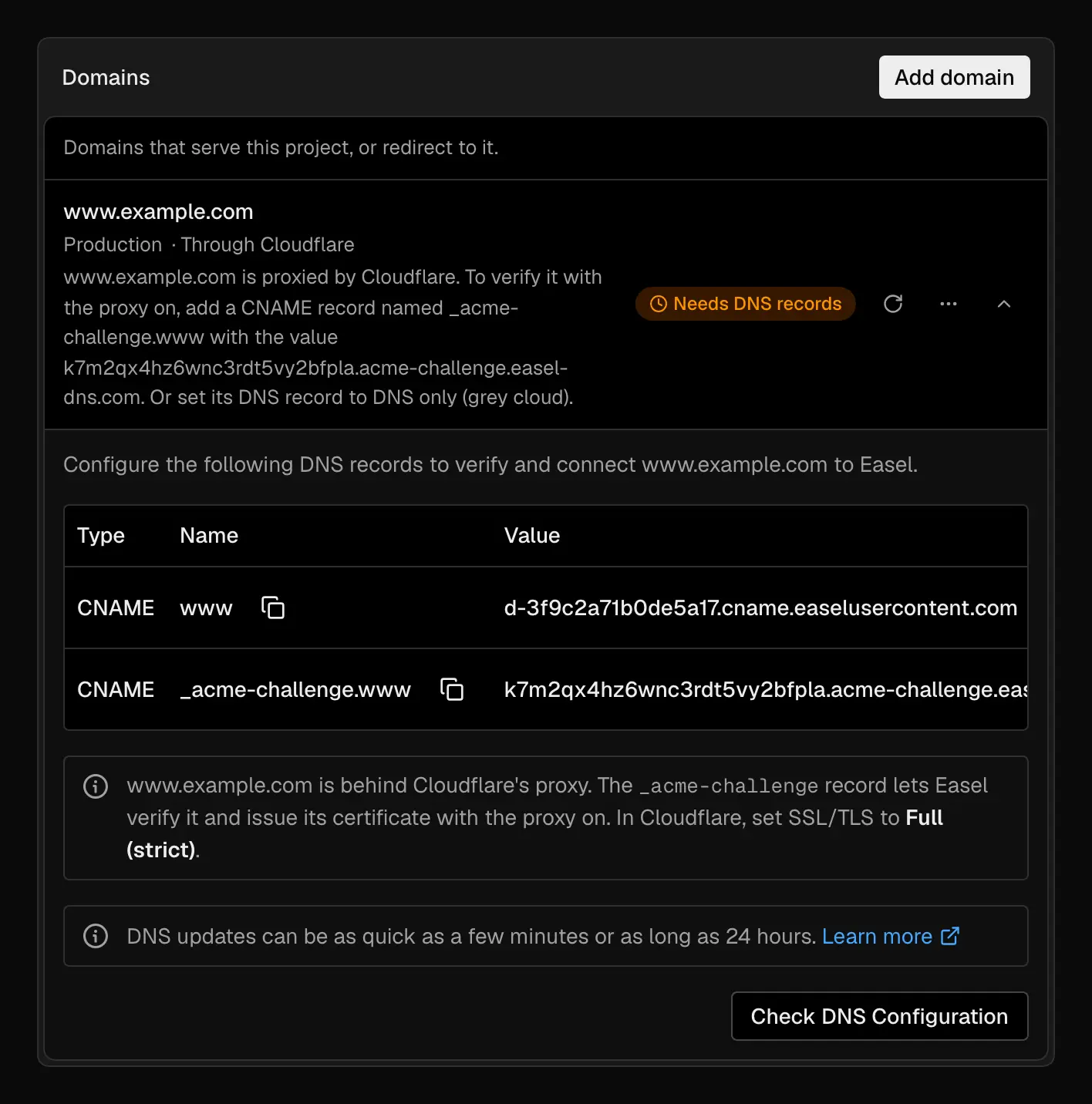
Once Easel detects the proxy, the domain's records include the _acme-challenge CNAME
-
In Cloudflare, copy the
_acme-challengeCNAME from Easel, including its exact name and target. Set this record to DNS only (the grey cloud). Leave the routing record from step 1 set to Proxied. -
In Cloudflare, set SSL/TLS to Full (strict). To apply this setting to just this hostname, use a Cloudflare Configuration Rule.
-
In Easel, select Check DNS Configuration or refresh the domain's row. Once the certificate is ready and Easel can reach the domain through Cloudflare, the row shows Live and Through Cloudflare.
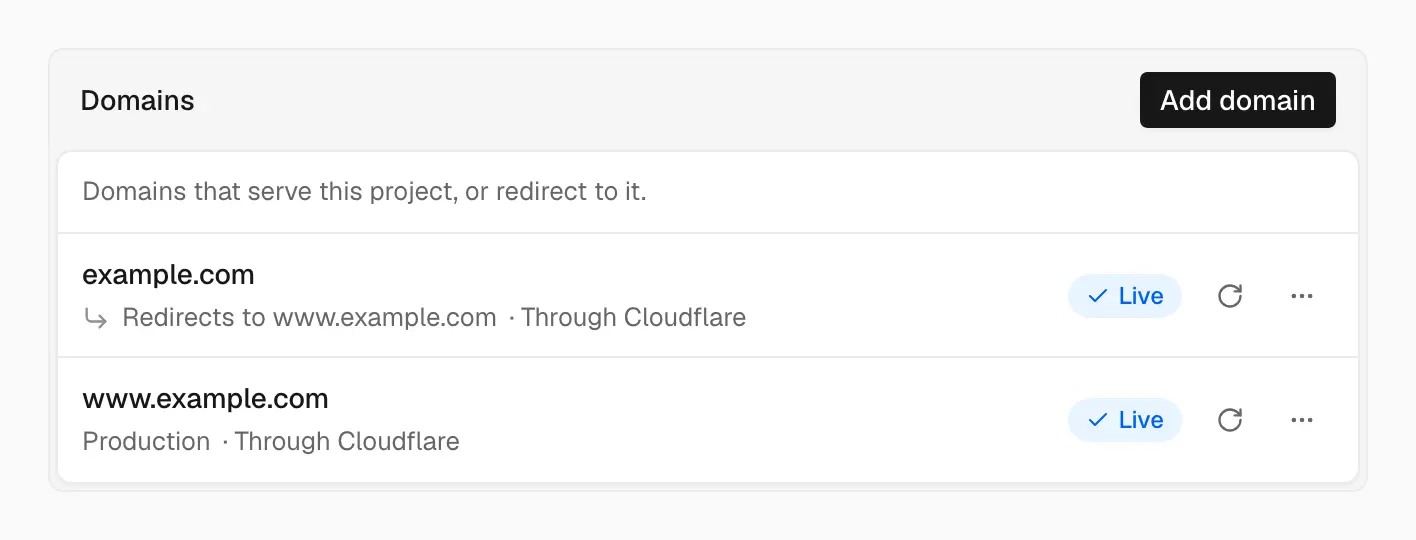
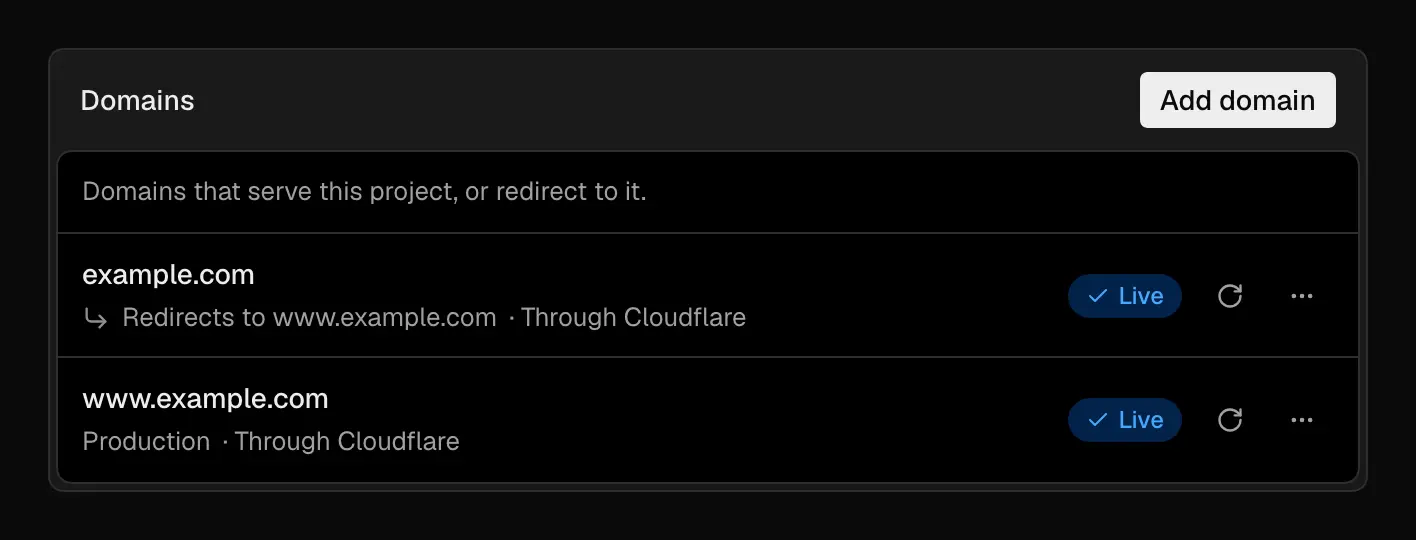
A proxied domain that reaches Easel shows Live and Through Cloudflare
Keep the _acme-challenge record in place while the proxy is on. Easel uses it
to verify that you control the domain and to issue and renew its certificate.
Certificate validation happens through DNS, so it works even when Cloudflare
redirects web requests. See HTTPS and TLS.
What changes with the proxy on
- Visitor addresses. Easel sees Cloudflare's IP addresses. This affects IP-based firewall rules, rate limits, geolocation, and logs on Easel. Use Cloudflare for rules that need the visitor's IP address.
- Caching. You can cache static assets in Cloudflare. Leave HTML and other responses that Easel revalidates out of Cloudflare's cache so visitors see the latest deployment.
- Redirects. Easel handles HTTP-to-HTTPS redirects and redirects between domains. Remove Cloudflare rules that duplicate those redirects. Keep Full (strict) enabled. Flexible connects to Easel over HTTP and can cause a redirect loop.
Troubleshooting
Easel periodically checks the challenge record and whether HTTPS requests through Cloudflare reach Easel. If a check fails, open the domain's row in Project settings → Domains for details. A warning on a live domain doesn't remove it from your project. If Cloudflare can't reach Easel, visitors see Cloudflare's error page until it's fixed.
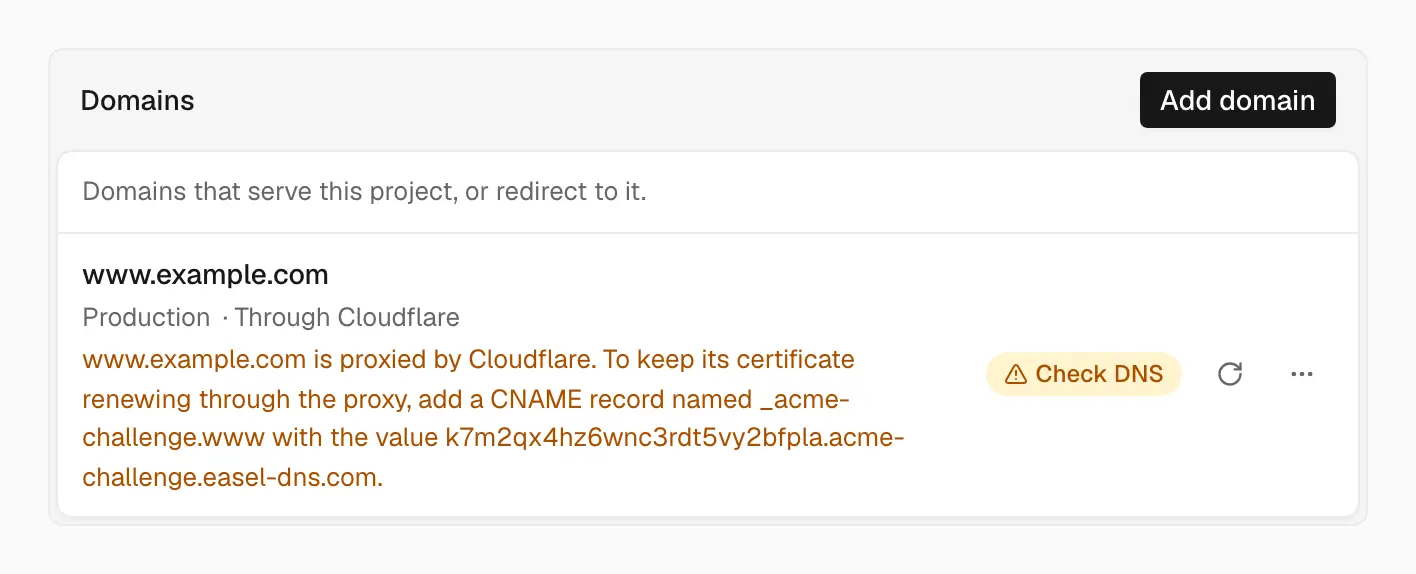
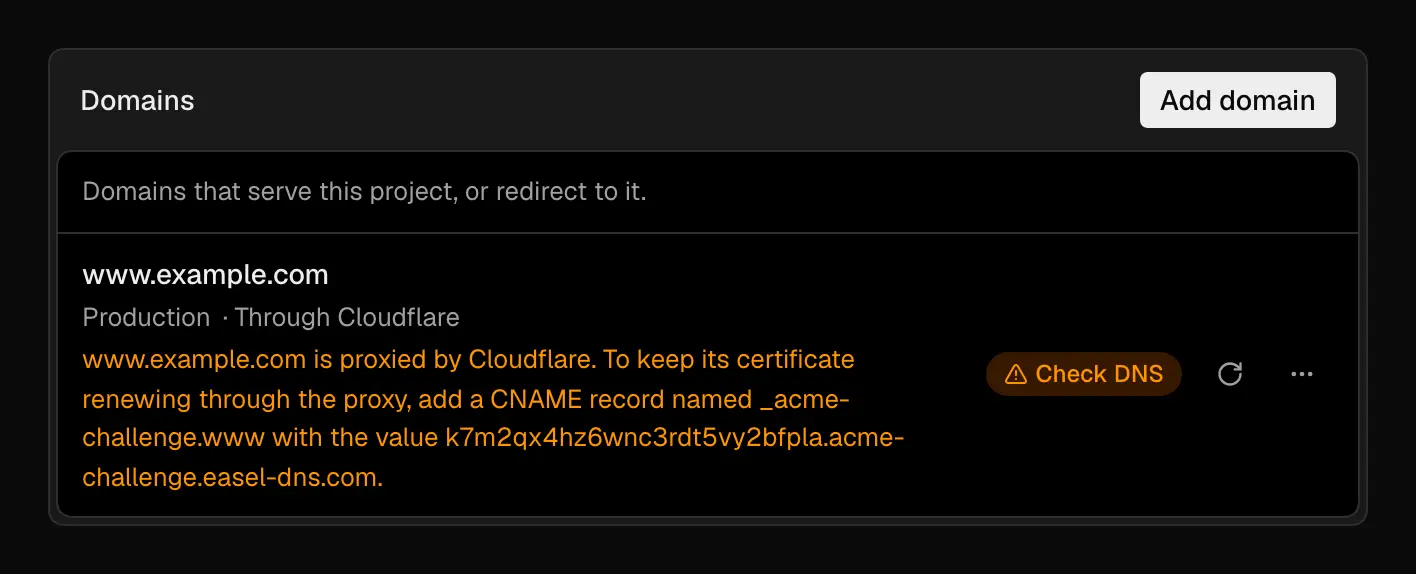
A warning on a live domain says what to change
| What you see | What to check |
|---|---|
Easel can't find the _acme-challenge CNAME | Create the record if it's missing, or compare its name and target with the dashboard. Set it to DNS only. |
Cloudflare returns 525 or 526 | During setup, this can happen while Easel issues the certificate. If the error persists, check that Cloudflare's SSL/TLS mode is Full (strict) and review the domain's status in Easel. |
Easel's HTTPS check returns 403 | Check whether a Cloudflare firewall rule or challenge blocks /.well-known/easel-tls-check. Allow requests to that path. |
After making a change, refresh the domain's row to check again.
Turn the proxy off
In Cloudflare, change the domain's routing record to DNS only. Visitors then
connect directly to Easel. The Through Cloudflare label disappears after
Easel's next check. You can leave the _acme-challenge record in place for
certificate renewals.