Set up your domains
Verify a wildcard domain for your users' apps once, and give your users a branded CNAME target for their own domains.
Two pieces of one-time setup let your users' apps live on your own domains:
- A wildcard domain, such as
*.yourplatform.app. Once it's verified, each app can have a name under it, such astrip-planner.yourplatform.app, that's live the moment you assign it. - A branded CNAME target, such as
domains.yourplatform.app. Users who bring their own domain point it at your name, and never see Easel.
Both belong to the workspace, not to a project. Set them up on the workspace's Domains page, or with the API and a token that isn't limited to projects.
Choose a domain
Use a registrable domain of its own for your users' apps, such as
yourplatform.app, not a subdomain of the domain your product runs on.
Browsers let a site set cookies for its parent domain, so an app at
trip-planner.yourplatform.com could read or overwrite cookies that your
product sets on yourplatform.com.
Then submit that domain to the Public Suffix List. Browsers treat each name under a listed domain as its own site, so one user's app can't set cookies for every other app under it. The list is updated on its own schedule, so submit early.
Add a wildcard domain
A wildcard domain keeps your DNS where it is. You add two CNAME records, and Easel issues and renews one wildcard certificate for every name under the domain.
- Open the workspace's Domains page and select Add Domain.
- Under Where DNS lives, choose Keep my DNS provider.
- Enter the domain, such as
yourplatform.apporapps.example.com, and select Add Domain. - At your DNS provider, add the two records the dashboard shows.
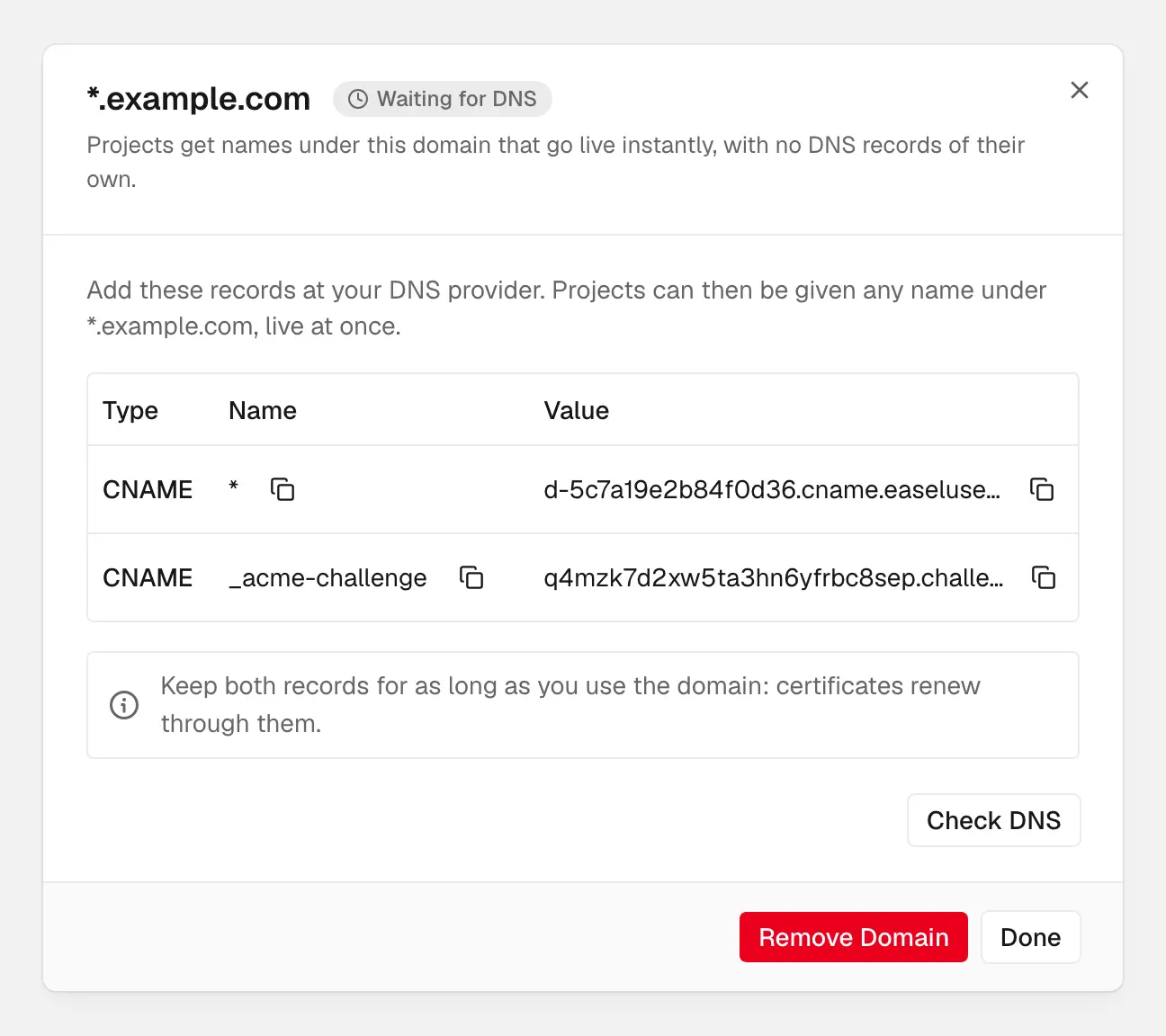
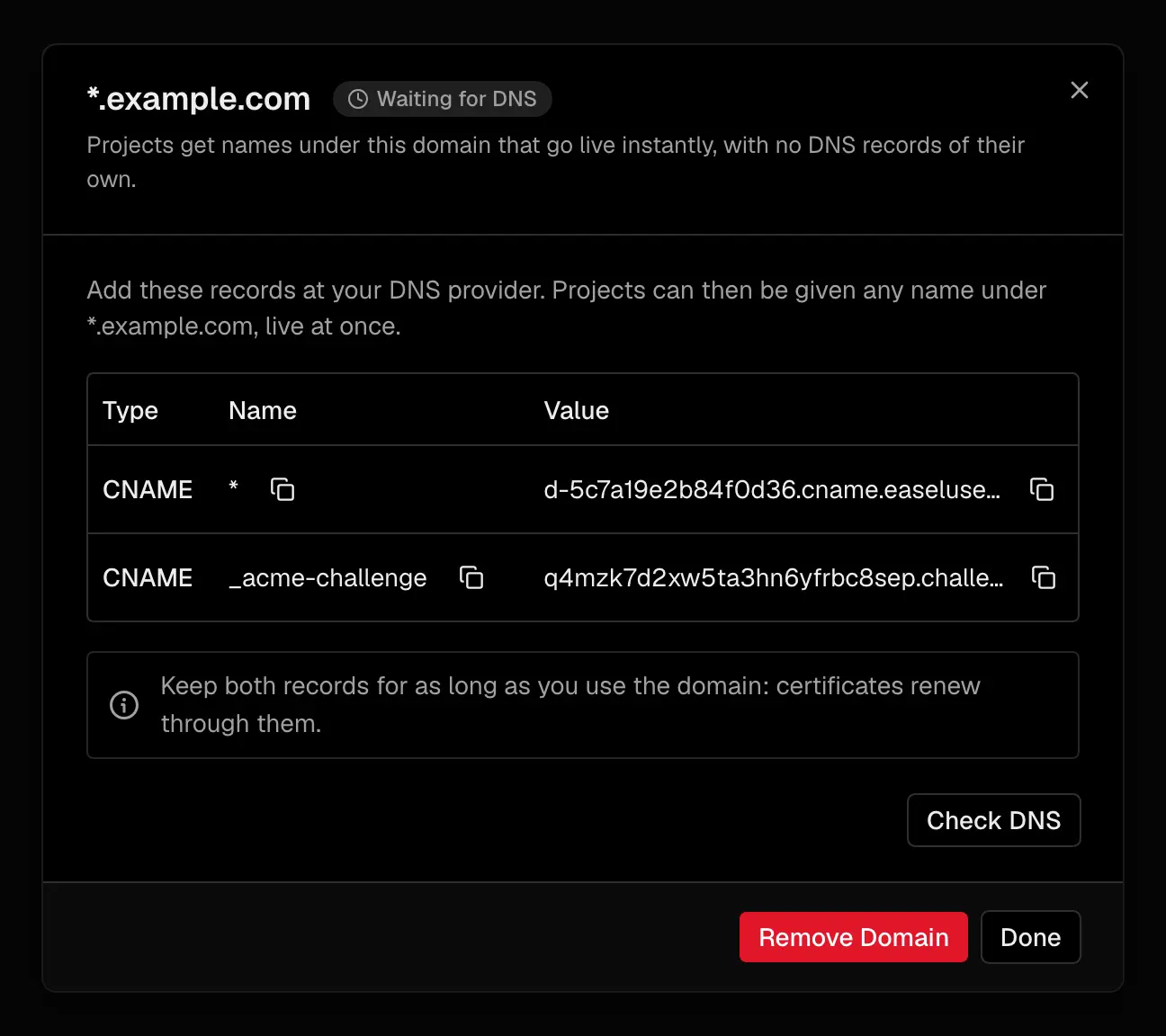
Copy both records exactly; they stay in place for certificate renewals
| Record | Name | Value |
|---|---|---|
| Wildcard | * under your domain | This wildcard domain's own CNAME target, such as d-3f9c2a71b0de5a17.cname.easelusercontent.com |
| Certificate challenge | _acme-challenge under your domain | A name unique to this domain in Easel's challenge zone |
Copy both values from the dashboard. With the API, POST /v1/wildcard-domains
returns the same two records:
Verification
Easel checks pending domains every minute. Select Check DNS on the
domain, or call wildcardDomains.verify(), to check now. The domain moves
through these statuses:
| Status | API value | Meaning |
|---|---|---|
| Waiting for DNS | pending_dns | A record is missing or points elsewhere; error names which |
| Issuing certificate | provisioning_tls | DNS is right and the wildcard certificate is being issued |
| Live | live | Names under the domain can be assigned and serve at once |
| Not resolving | error | A record broke after the domain was live |
A TXT record already at _acme-challenge stops the CNAME from working. Delete
it, then add the CNAME.
While a domain is live, Easel rechecks its records regularly. If one breaks,
the domain becomes error and Easel sends a domain.updated
webhook, well before the certificate would expire.
Keep both records
Renewal needs nothing from you, as long as both records stay in place. Keep
them DNS-only: in Cloudflare, the grey cloud. If you have CAA records, they
must allow Let's Encrypt to issue wildcard certificates (issuewild); see
CAA records.
If another workspace holds the domain, the dashboard shows a TXT record that proves you control it. See Domain ownership.
Send every name to one project
To serve every name under the domain from one project, add the wildcard
itself to that project, such as *.yourplatform.app. This suits one app
that serves many tenants, or a proxy in front of your users' sandboxes. A name
under the domain that's on a project of its own still goes to that project:
the exact name always wins over the wildcard.
Add it on the project's Domains settings page, or with the API:
The wildcard project domain is live when the wildcard domain is, and serves the project's production deployment. It serves content only; it can't redirect.
Remove a wildcard domain
Removing a wildcard domain removes every name assigned under it, and Easel stops issuing certificates for it for good. Delete both records at your DNS provider afterward. Adding the domain again gives it a new challenge record.
Set a branded CNAME target
Users who connect their own domain add a CNAME record. By default it points at
that domain's own Easel target, such as
d-3f9c2a71b0de5a17.cname.easelusercontent.com. A branded target replaces
that with one name you own, such as domains.yourplatform.app, for every
domain. The branded target gets its own Easel target to point at.
- On the workspace's Domains page, under Branded CNAME target, enter the name and select Save.
- Add the CNAME record it shows at your DNS provider.
- Select Check DNS until the target is Live.
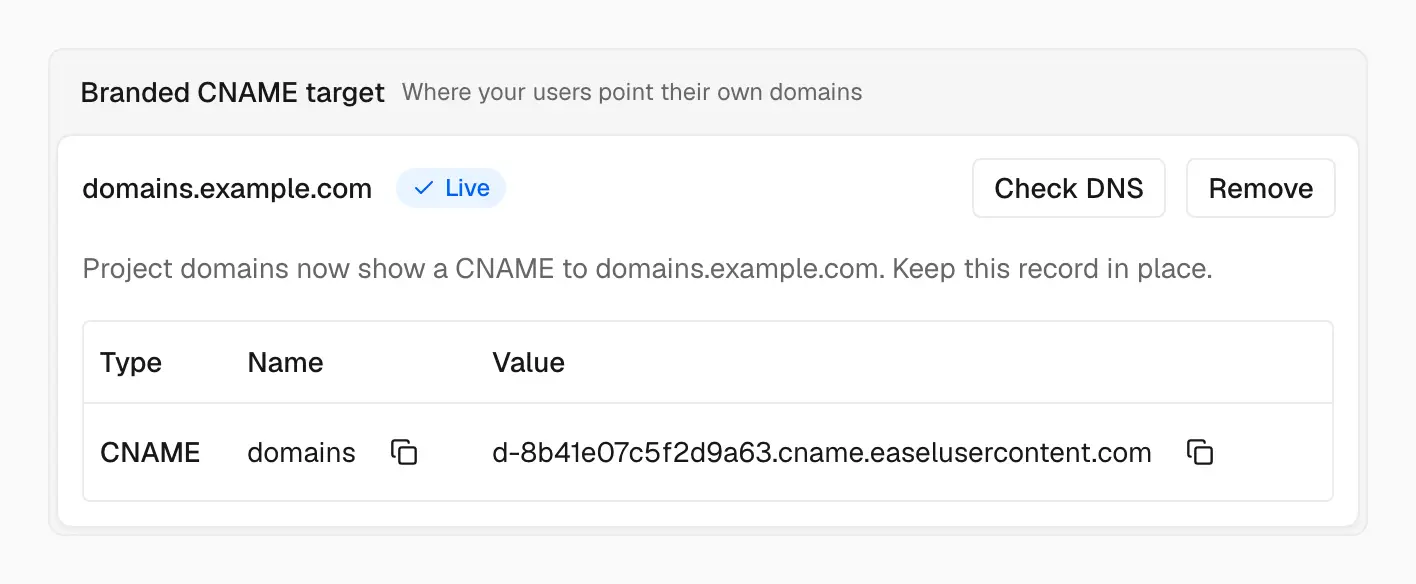
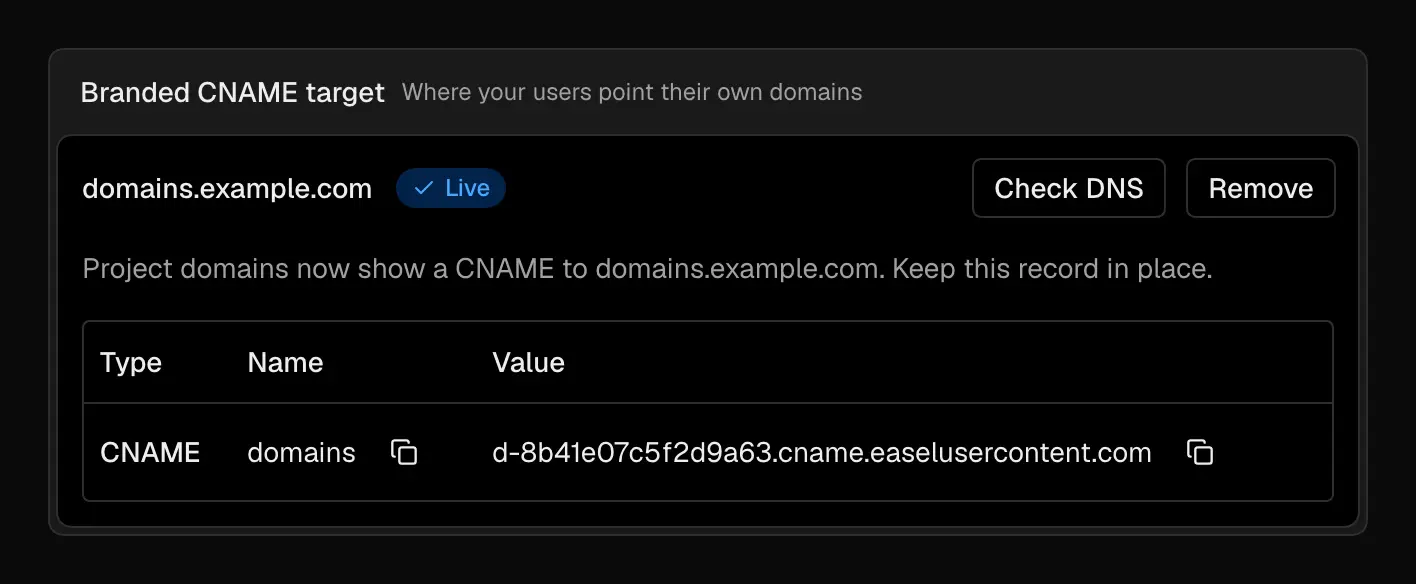
Once the target is live, your users' domains point at your name instead of Easel's
With the API, use PUT /v1/domain-target and POST /v1/domain-target/verify.
Once the target is live, the records Easel shows for project domains that aren't live yet point at it. A user's domain then verifies through either its own Easel target or your branded target. Through the branded target, its CNAME chain has to pass through your branded host and on to that host's own Easel target. It only verifies for domains in your workspace: another workspace's domain pointed at your branded host never verifies. See Each domain's CNAME target.
Keep the target's record in place: your users' domains resolve through it. If you remove the branded target in Easel, domains that are already live stay live, and new domains show their own targets again. A later check of a domain whose CNAME only reaches the removed target fails, so keep the branded target while your users' domains depend on it.
Using a proxy in front of Easel (not recommended)
Putting a proxy, such as Cloudflare with the orange cloud, in front of your users' apps breaks things Easel does for them:
- Rollback and purge. The proxy's cache keeps serving old responses after a rollback, a new publish, or a revalidation.
- Client IPs. Easel sees the proxy's addresses, so firewall rules, rate limits, and logs see the proxy instead of visitors.
- Two firewalls. Requests pass two sets of security rules that don't know about each other.
- Your users' domains. Cloudflare refuses a CNAME from another Cloudflare account to a proxied name, so users on Cloudflare can't point their domains at a proxied branded target.
- Verification. A proxied wildcard or target answers with the proxy's addresses, so Easel can't verify it.
If you need a proxy anyway, keep it to the minimum:
- Keep the wildcard records and the branded target DNS-only.
- Set SSL/TLS to Full (strict), so the proxy connects to Easel over verified HTTPS.
- Don't use cache-everything rules; let Easel's
Cache-Controlheaders decide.
For proxies in front of a single custom domain, see DNS proxies.