Webhooks
Receive signed deployment and domain events, verify them, and handle retries.
A webhook sends a signed POST to your backend when a deployment or domain in
your workspace changes, so you can tell your users their app is live without
polling.
You need the Owner or Admin role to add or delete a webhook.
Add a webhook
- Open your workspace's Settings → Webhooks and select Add webhook.
- Enter the URL and choose the events.
- Select Add, then copy the signing secret. It's shown only once.
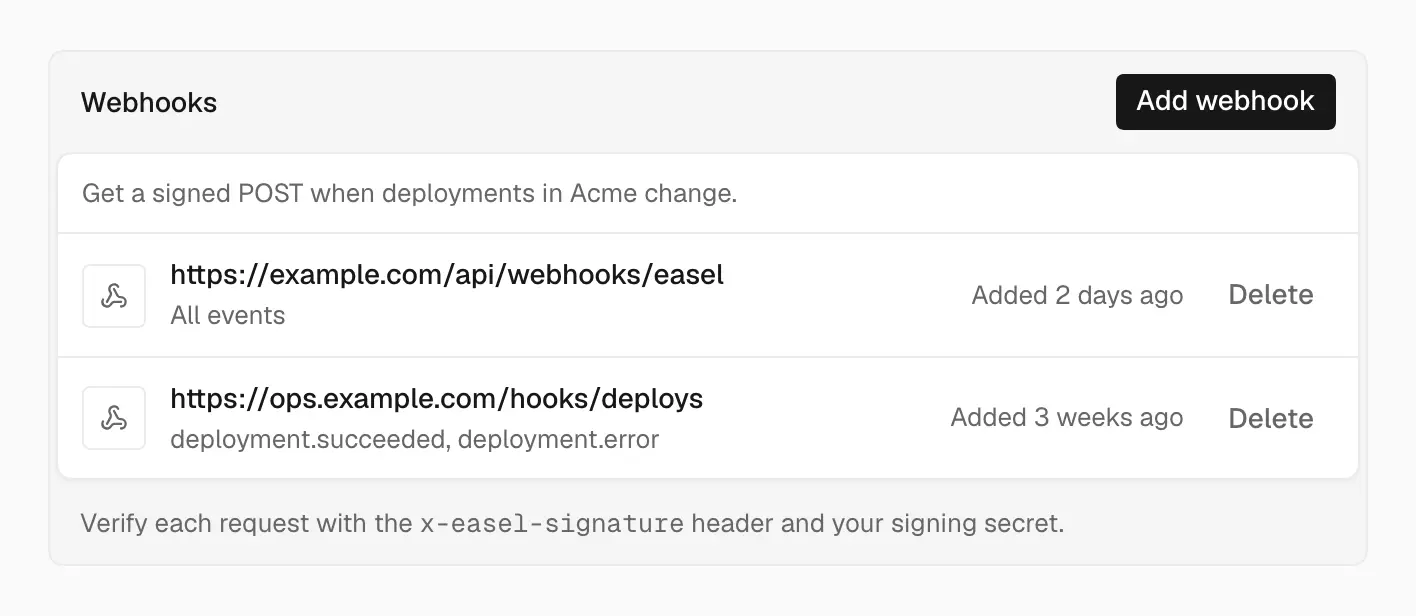
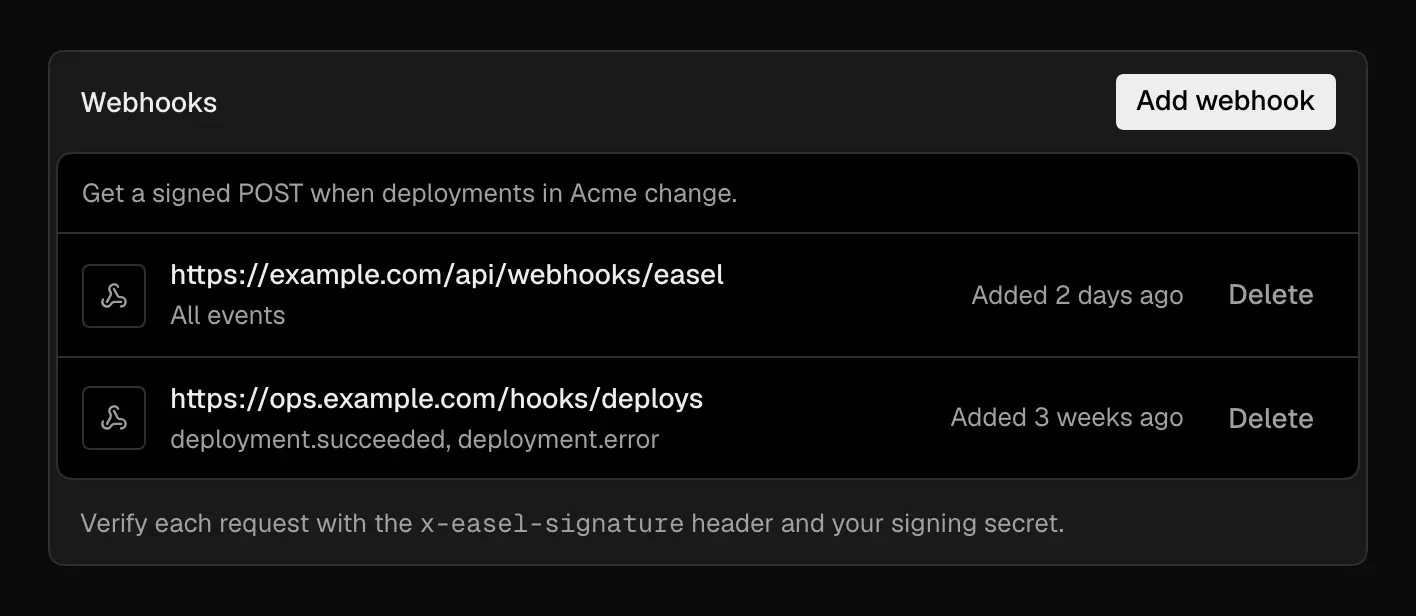
Each webhook lists its URL and the events it receives
Or create one with the API. projectIds limits it to some projects; without
it, the webhook covers every project in the workspace:
The URL must use HTTPS on port 443 and resolve to a public address. Easel checks it when you add the webhook and again before every delivery, and never follows redirects. For the number of webhooks per workspace, see Limits.
Events
| Event | Sent when |
|---|---|
deployment.created | A deployment is created. Sent once per deployment |
deployment.succeeded | The deployment is READY |
deployment.error | The build failed (ERROR) |
deployment.canceled | The deployment was cancelled, skipped, or superseded by a newer one before it built |
deployment.promoted | The deployment started serving production: it went live automatically when Ready, or someone promoted it or rolled back to it |
domain.updated | A project domain, wildcard domain, or branded target changed status, was removed, or moved to another workspace |
deployment.promoted is the one event that tells you which deployment
serves production. A Production deployment that goes live on its own sends
deployment.succeeded and then deployment.promoted. If the project's
automatic promotion is off, a Ready Production deployment waits to be
promoted; see Promote and roll back.
Payloads
Every delivery has the same envelope:
- Deployment events carry
projectId,deploymentId,target,status, the deployment'surl, and themetayou attached when you created it. domain.updatedcarriesprojectId(null for a wildcard domain or the branded target),domain, andstatus:pending_dns,provisioning_tls,live,error,removed, ortransferred. A wildcard domain appears as*.yourplatform.app.
Each request also has x-easel-event (the type) and x-easel-event-id (the
id) headers.
Verify signatures
Every delivery is signed with your webhook's secret:
x-easel-timestamp: when it was sent, in Unix secondsx-easel-signature:sha256=and the hex HMAC-SHA256 of<timestamp>.<raw body>
Signing the timestamp with the body means a captured request can't be replayed later. Check the signature against the raw body, before you parse it. With the SDK:
verifyWebhook() rejects timestamps more than 5 minutes from now; pass
toleranceSeconds to change that. Without the SDK, in Node.js:
Retries and duplicates
Any 2xx response counts as delivered. Anything else, a timeout, or a
redirect is retried with growing delays, for about a day. For the exact
attempts, timeout, and response size, see
Limits.
- Deduplicate on
id. Retries resend the sameidand body, and the same event can reach you twice. Record theids you've handled and skip repeats. - Answer fast. Return
2xxas soon as the event is verified and stored, and do slow work afterward, so the delivery doesn't time out and retry. - Don't rely on order. Retries can deliver an older event after a newer
one. Compare
createdAt, or read the deployment's current status with the API.
Each attempt has a fresh timestamp and signature.