Deployment protection
Require workspace sign-in for previews, unique deployment URLs, and past production deployments.
Deployment protection makes visitors sign in with an account in your workspace before they can open a preview or a past deployment. It runs at the edge before custom rules and your code, so an unauthorized request never reaches your app. See Evaluation order.
Without it, preview URLs are public to anyone who has the link.
Turn it on
- Open the project and choose Project settings → Security.
- Under Deployment protection, turn on Require workspace sign-in for previews.
- Choose Save.
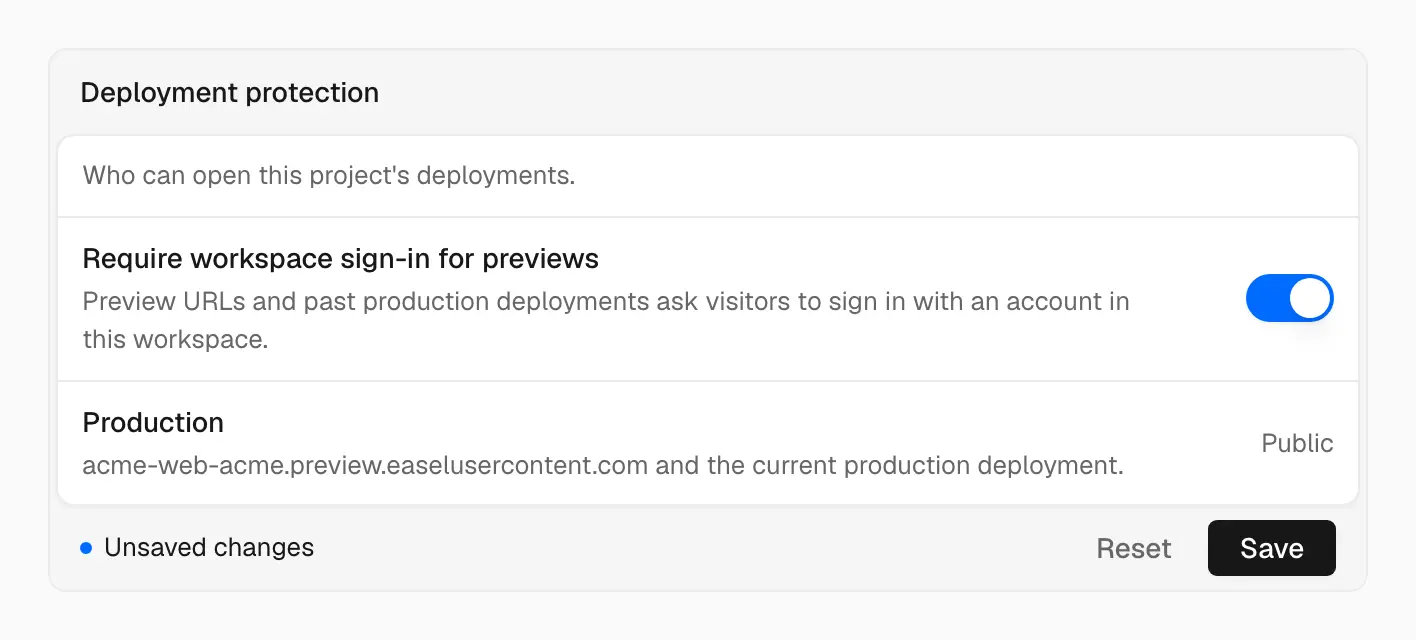
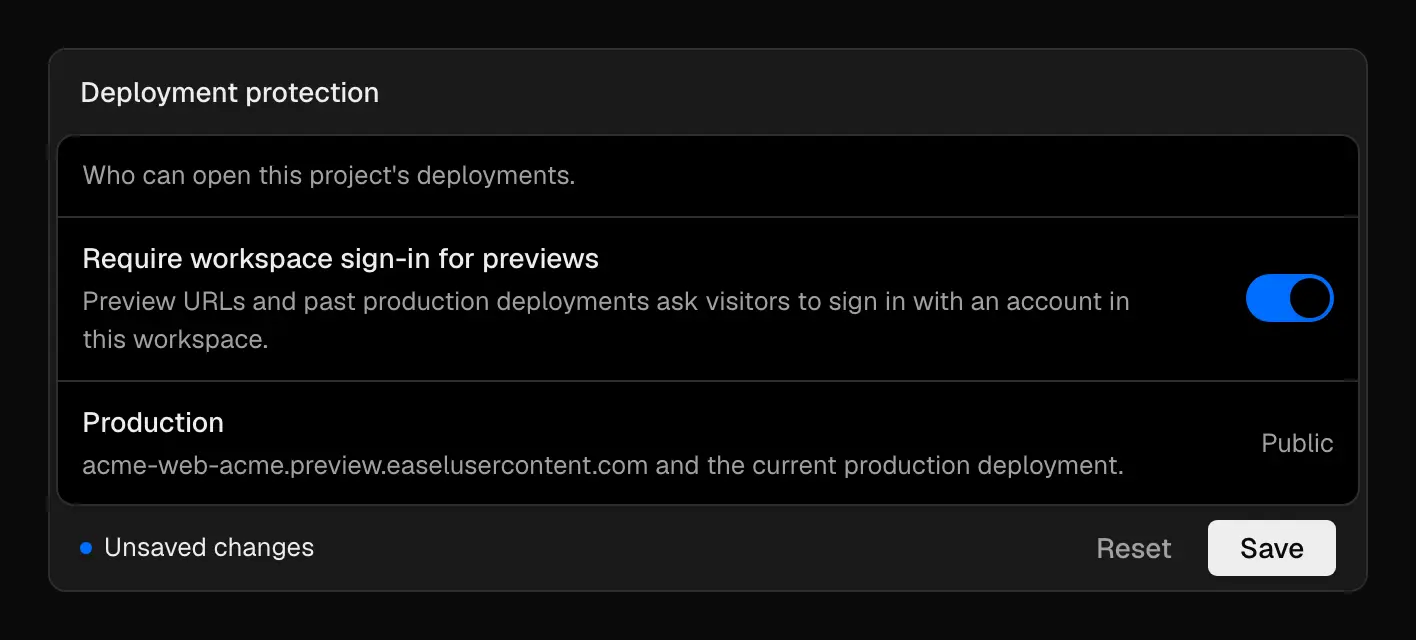
Production stays public; previews and past deployments ask visitors to sign in
The change can take a moment to reach every edge region.
What's protected
When it's on, visitors must sign in for:
- Preview URLs, including commit and branch URLs
- Any deployment that isn't the current production deployment, including past production deployments
These stay public:
- The project's production subdomain, serving the current production deployment
- Custom domains attached to the current production deployment
After a visitor signs in, Easel sets a session cookie for that hostname. See Limits for how long it lasts.
Custom rules and Bypass can't skip deployment protection.
Previews and untrusted code
Preview responses also send X-Robots-Tag: noindex, nofollow, noarchive so
search engines skip them. That keeps previews out of search results but isn't
access control.
Previews can run code from any branch, so keep Production secrets out of Preview variables. See Environment variables and Git.