Firewall
Write custom rules that log, deny, challenge, redirect, rate limit, or bypass requests before they reach your app.
Custom rules match request attributes and act on the request at the edge, before cache, static assets, or functions. They run after deployment protection and before attack challenge mode. See Evaluation order.
Rules apply to every hostname that serves the project: production, preview URLs, and custom domains. Changes reach every edge region shortly after you save, without a redeploy.
Create a rule
- Open the project and choose Firewall.
- In Custom rules, choose Add.
- Enter a Name.
- Under If, add conditions.
- Under Then, choose an action.
- Check the preview of recent matching requests, then choose Add rule.
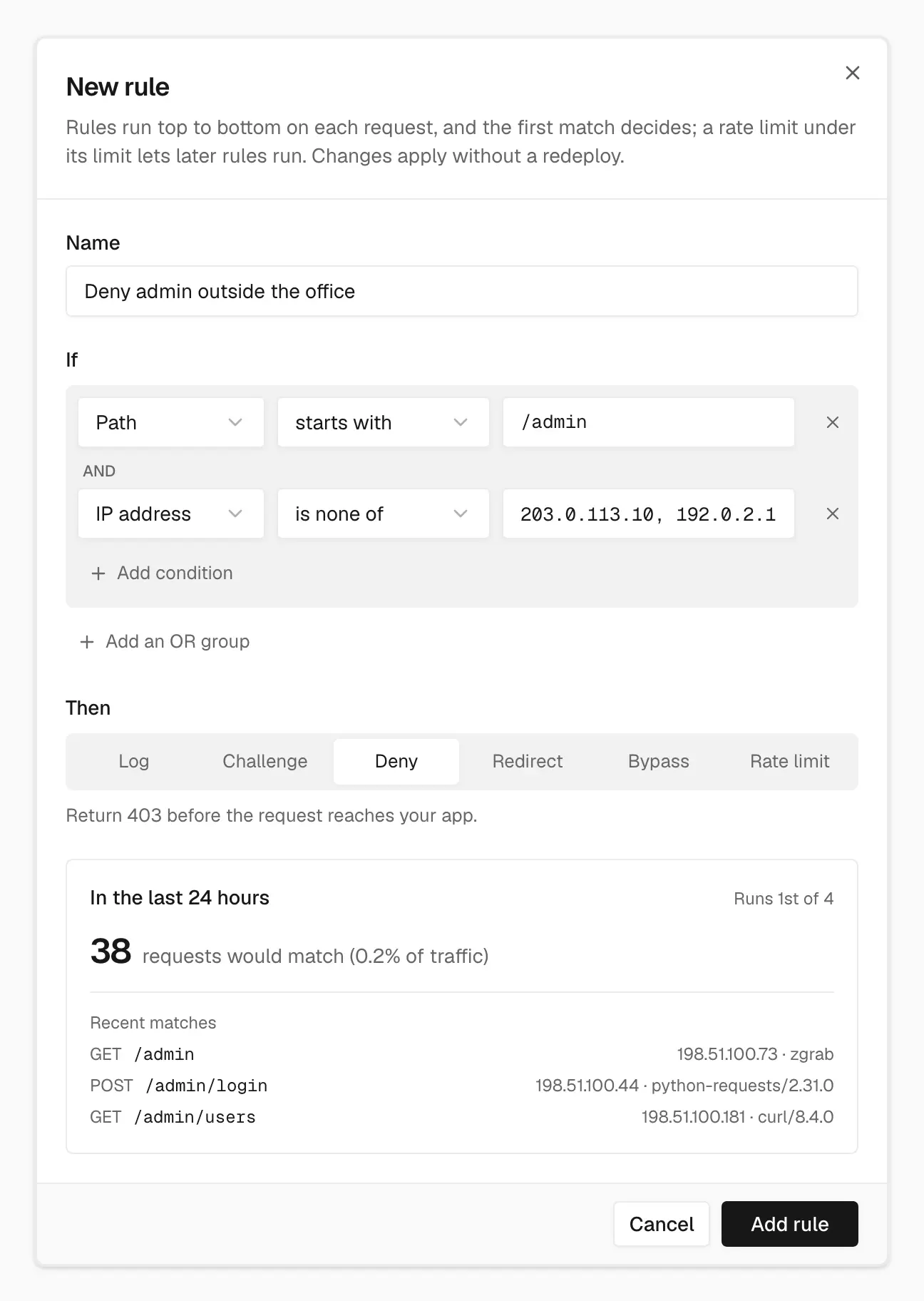
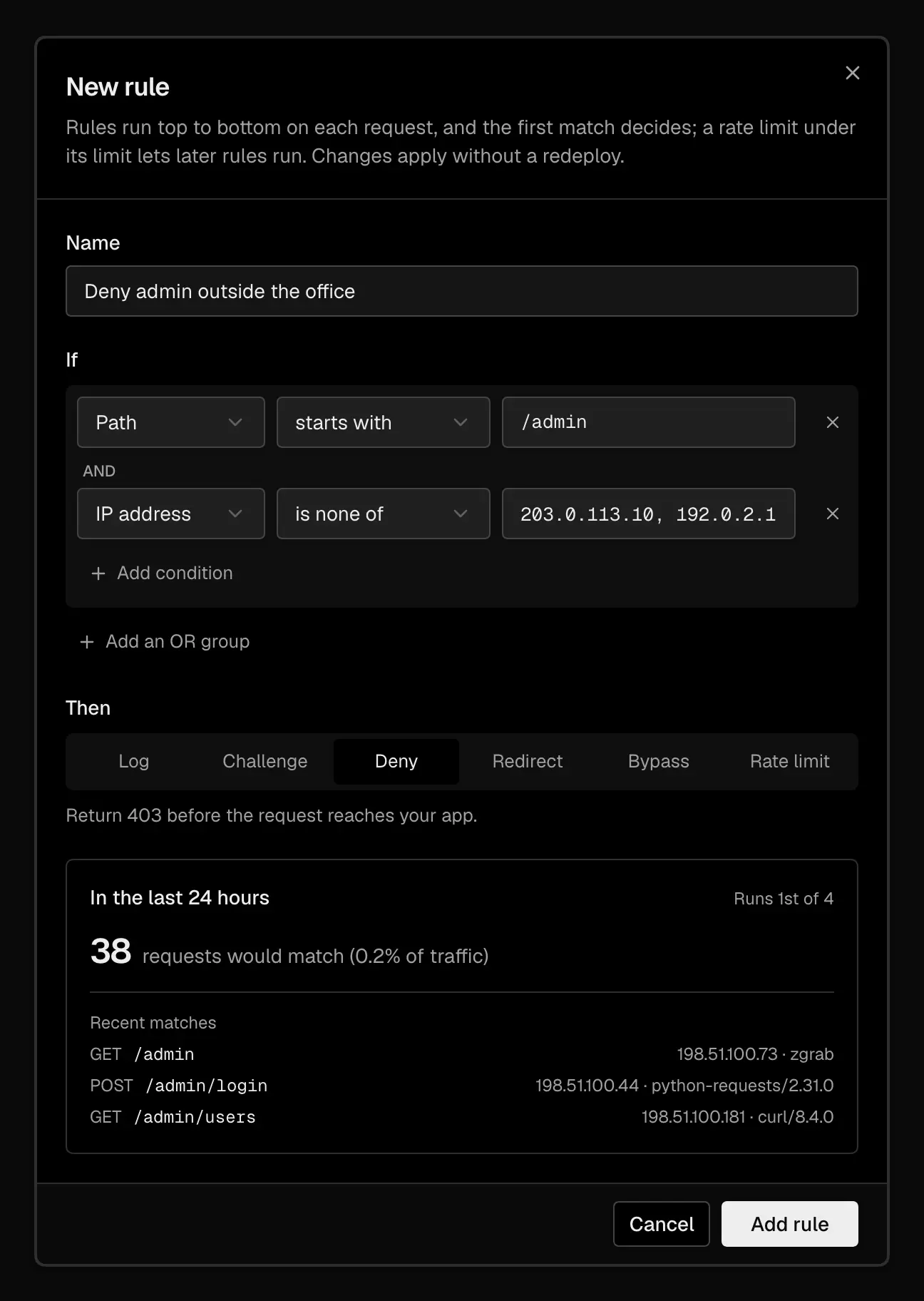
Before you add a rule, the preview shows which recent requests it would match
New rules go to the top of the list. Use a rule's menu to edit, reorder, or delete it, and its switch to turn it off without deleting it.
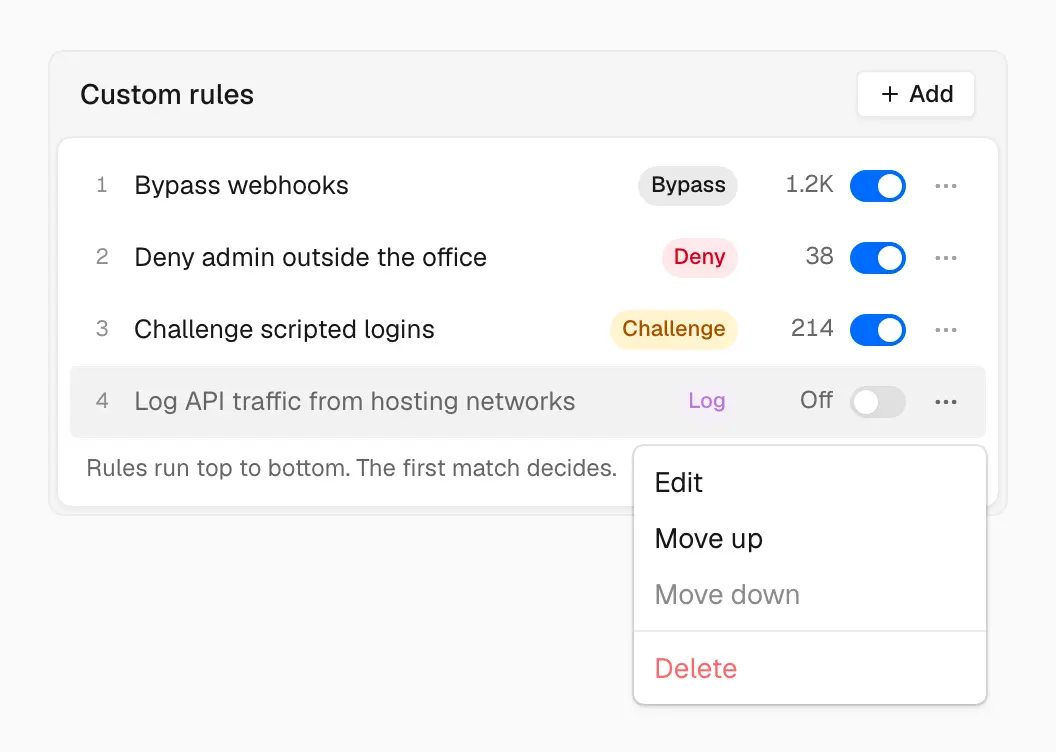
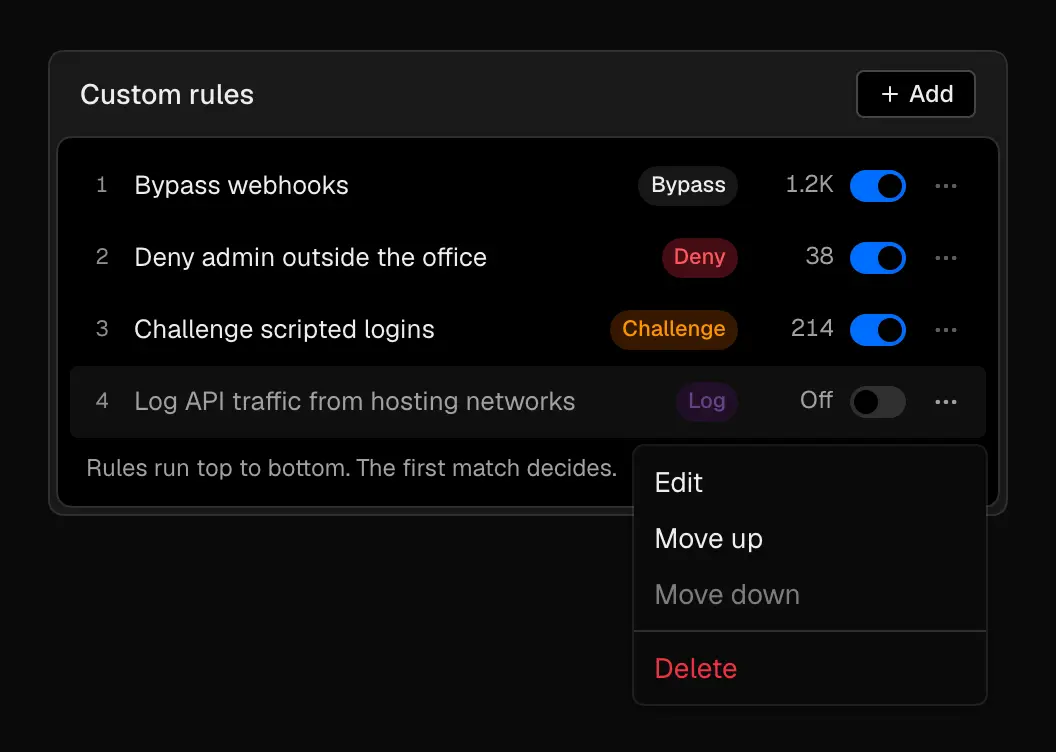
Rules run in list order, and each rule's menu moves it up or down
If you have no rules yet, the panel offers starting points: deny WordPress and
config probes, challenge hosting networks on /checkout, and bypass attack
challenge for webhooks.
Conditions
A condition has a field, an operator, and a value. Header,
Query parameter, and Cookie also take a name, such as x-api-key.
Conditions inside a group are joined with AND: every one must match. Choose Add an OR group to add another group; the rule matches when any group matches.
Fields
| Field | What it matches |
|---|---|
| Path | URL path, without the query string. |
| Raw path | URL path as received. |
| Route | The route pattern from your deployment that matched, such as /blog/[slug]. |
| Method | HTTP method. Compared in uppercase. |
| Hostname | Host, without the port. |
| Environment | production or preview. |
| Header | A named request header. |
| Query string | Everything after ?. |
| Query parameter | A named query parameter. |
| Cookie | A named cookie. |
| User agent | The User-Agent header. |
| IP address | The client IP. See IP addresses. |
| Country | ISO country code from the client IP, such as US. |
| Continent | Continent code from the client IP, such as EU. |
| Network (ASN) | Autonomous system number from the client IP, such as 14061. |
| Edge region | The Easel edge region that handled the request, such as iad. |
| Server action | The Next.js server action ID from the Next-Action header. |
| @vercel/firewall | The rate limit ID a function passes to checkRateLimit. See Rate limiting from code. |
Country and continent comparisons ignore case. Geo and ASN data comes from IPLocate.io (CC BY-SA 4.0) and can be wrong for VPNs, proxies, and mobile networks. A request with no known location doesn't equal any country, so a does not equal or is none of condition matches it.
Operators
| Operator | Value |
|---|---|
| equals, does not equal | One value |
| is any of, is none of | A comma-separated list |
| starts with, does not start with | One value |
| ends with, does not end with | One value |
| contains, does not contain | One value |
| matches regex, does not match regex | A regular expression |
Comparisons are case-sensitive except for Method, Country, and Continent. A regex that fails to compile never matches, so try regex rules with Log first.
IP addresses
The client IP is the address of the connection that reaches Easel. Easel ignores
X-Forwarded-For and similar headers sent by clients, so a visitor can't spoof
the address your rules see. The same IP feeds Country, Continent, and
Network (ASN).
IP address compares the address as text. It supports IPv4 and IPv6, and the
equals, is any of, starts with, and contains operators and their
negations. CIDR ranges such as 203.0.113.0/24 aren't supported: list each
address with is any of, or match an IPv4 prefix with starts with and a
trailing dot, such as 203.0.113..
IP rules suit fixed addresses, such as an office network or a monitoring service. For people on changing home or mobile connections, use deployment protection instead.
Actions
| Action | Effect |
|---|---|
| Log | Records the match and lets the request through. |
| Challenge | Serves a browser check. Browsers that pass aren't asked again until the pass expires; scripts fail. See Attack challenge mode. |
| Deny | Returns 403 before the request reaches your app. |
| Redirect | Returns a 302 redirect to the path or https:// URL you enter. |
| Bypass | Skips browser challenges for the request: attack challenge mode and the IP reputation challenge. IP reputation blocks and deployment protection still apply. |
| Rate limit | Counts requests from each client and acts once one goes over the limit. See Rate limiting. |
There's no Allow action that skips everything after the rule. Use Bypass to let trusted traffic, such as webhooks or uptime checks, through attack challenge mode.
Rate limiting
A Rate limit rule lets each client make a set number of requests per time window, then acts on that client's requests until the window ends.
- Limit and window. A fixed window of 10 seconds to 10 minutes. Counting starts over when each window begins.
- Count by. IP address, JA4 TLS fingerprint, or both together. The IP is the one described in IP addresses.
- When exceeded. Return 429 (the default) responds with
429 Too Many Requestsand aRetry-Afterheader. You can instead Challenge, Deny (403), or Log only. - Counted per region. Each edge region keeps its own counts, so a client whose requests reach two regions can make up to the limit in each. Within a region the limit holds however many edge machines serve it. A count can start over early when an edge restarts.
While a client is under the limit, the rule only counts the request, and the rules below it still run.
Hobby projects can have 1 rate limit rule and Pro projects 40. Requests a rate limit rule allows are billed as Rate Limiting; limited requests aren't.
Start with Log only to see how often clients would go over the limit, then switch to Return 429.
Rate limiting from code
For limits that depend on your own logic, such as a per-user quota on an AI
endpoint, call checkRateLimit from
@vercel/firewall in a
function. It works on Easel unchanged.
- Add a rule with the condition @vercel/firewall equals a rate limit ID,
such as
update-object, and the Rate limit action. - Call it with that ID:
Each call counts against a bucket for its key: the client IP by default, or
the rateLimitKey you pass, such as a user ID. The rule's Count by setting
doesn't apply. Other conditions on the rule match the request your function is
handling, so you can, for example, limit only requests with a given header.
checkRateLimit returns rateLimited: true when the rule's When exceeded
is Return 429, Challenge, or Deny, and false for Log only. An
ID with no rule returns rateLimited: false with error: "not-found".
Rule order
Rules run top to bottom, and the first active rule that matches decides. Lower rules don't run for that request, and that includes a matching Log rule: it stops evaluation the same way Deny does. The exception is Rate limit: under the limit it only counts, and evaluation continues. Turned-off rules are skipped.
Put narrow rules above broad ones. When no rule matches, the request continues to the next layer.
Test a rule
The rule editor shows how many recent requests the rule would match at its position in the list, with examples. It also tells you when matches already go to an earlier rule or to IP reputation, and warns when a Deny or Challenge rule would catch real browsers, verified bots like Googlebot, or a large share of traffic.
To watch live traffic before enforcing:
- Add the rule with Log.
- Select the rule in Custom rules to filter the Firewall page to its matches.
- Refine the conditions until only the traffic you want matches.
- Change the action.
Because new rules go to the top and Log stops evaluation, a broad Log rule shadows the rules below it. Move it under rules you depend on while you test. See Security observability for event fields and response headers.
Examples
Restrict an admin area to the office
Let webhooks through attack challenge mode
A bypass isn't proof the request came from your provider, so keep verifying webhook signatures in your code.
Rate limit login attempts
Challenge scripted logins
What rules can't do
Rules can't ban an IP outside a rate limit, or match TLS fingerprints in conditions. See Limits.